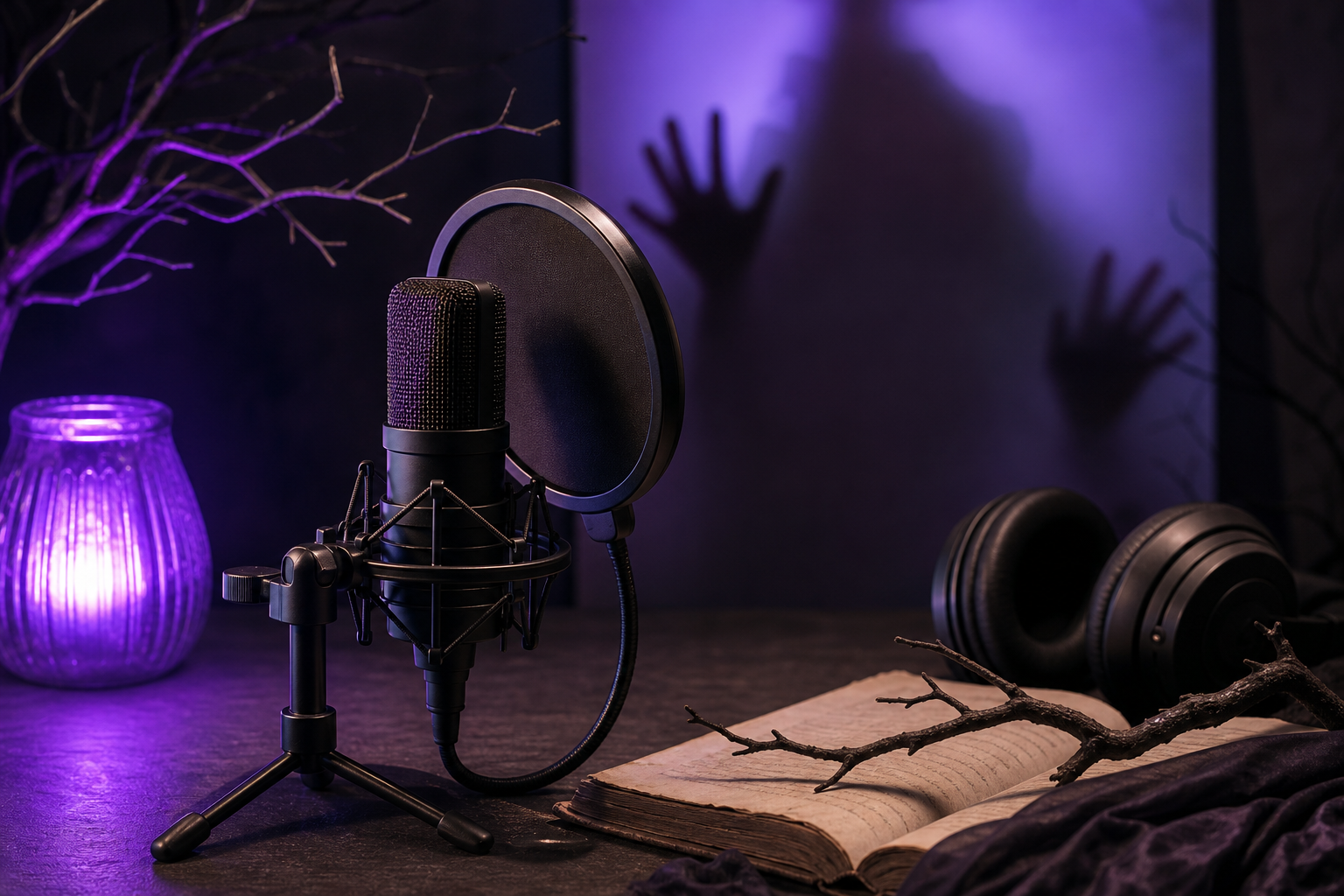
How to Create Creepy Text-to-Speech Voices for Horror Content
Creepy text to speech doesn't have to sound fake—learn the 6 sonic ingredients and a 5-setting workflow that turns any AI voice into pure dread.
Jun 25, 2026•~18 min read
Creepy text to speech doesn't have to sound fake—learn the 6 sonic ingredients and a 5-setting workflow that turns any AI voice into pure dread.
A Miku voice generator comes in three types—Vocaloid, AI TTS, and voice conversion. Compare them, plus licensing rules, to pick the right tool fast.
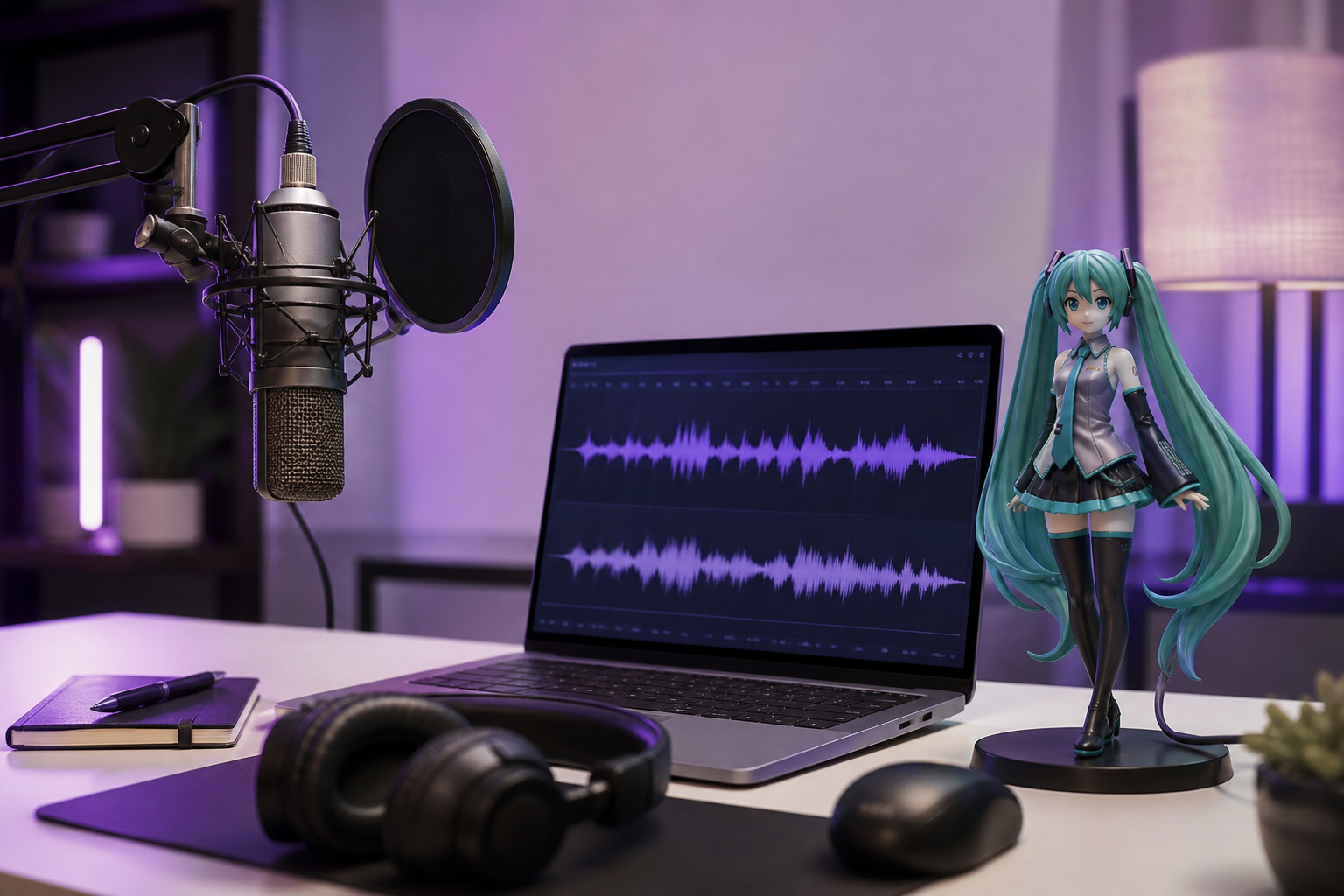
Create Miku-style voices in minutes with AI—skip expensive software and learn which generator works best for your project.
Master voice impressions by building vocal signatures through 5 layers and 4 proven drills that work across any script or language.

Transform passive voice into punchy, engaging sentences with our step-by-step converter—boost video clarity and viewer engagement instantly.
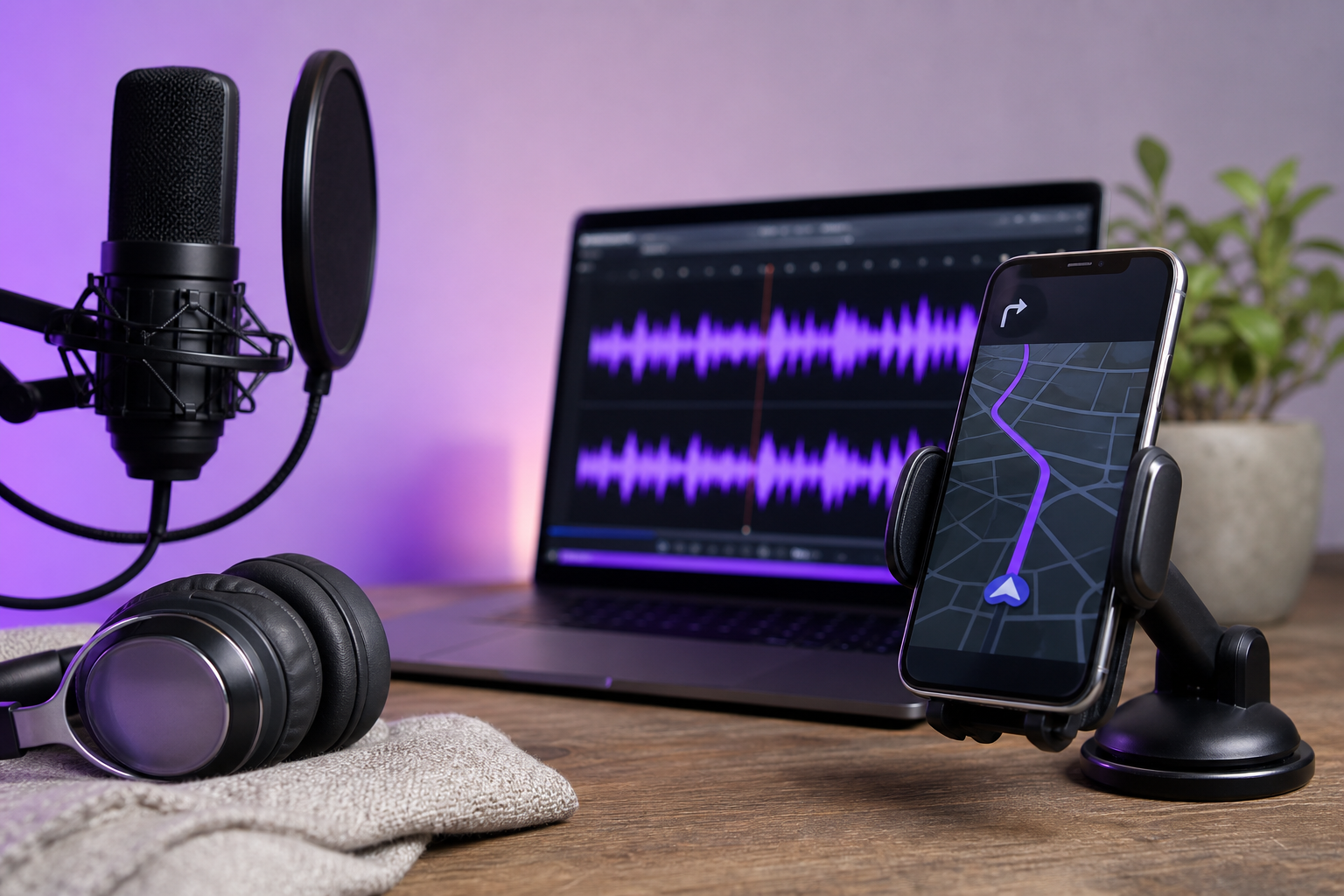
Discover all Waze voice packs—official, custom, and community options—and switch voices in 60 seconds with our complete guide.

Master voice impressions by learning the 5 mechanical layers pros use—skip the guesswork and nail any character voice.
Stop wasting hours on voice casting. Master the 5-dimension voice descriptors framework to brief talent faster and cut re-recording cycles by half.
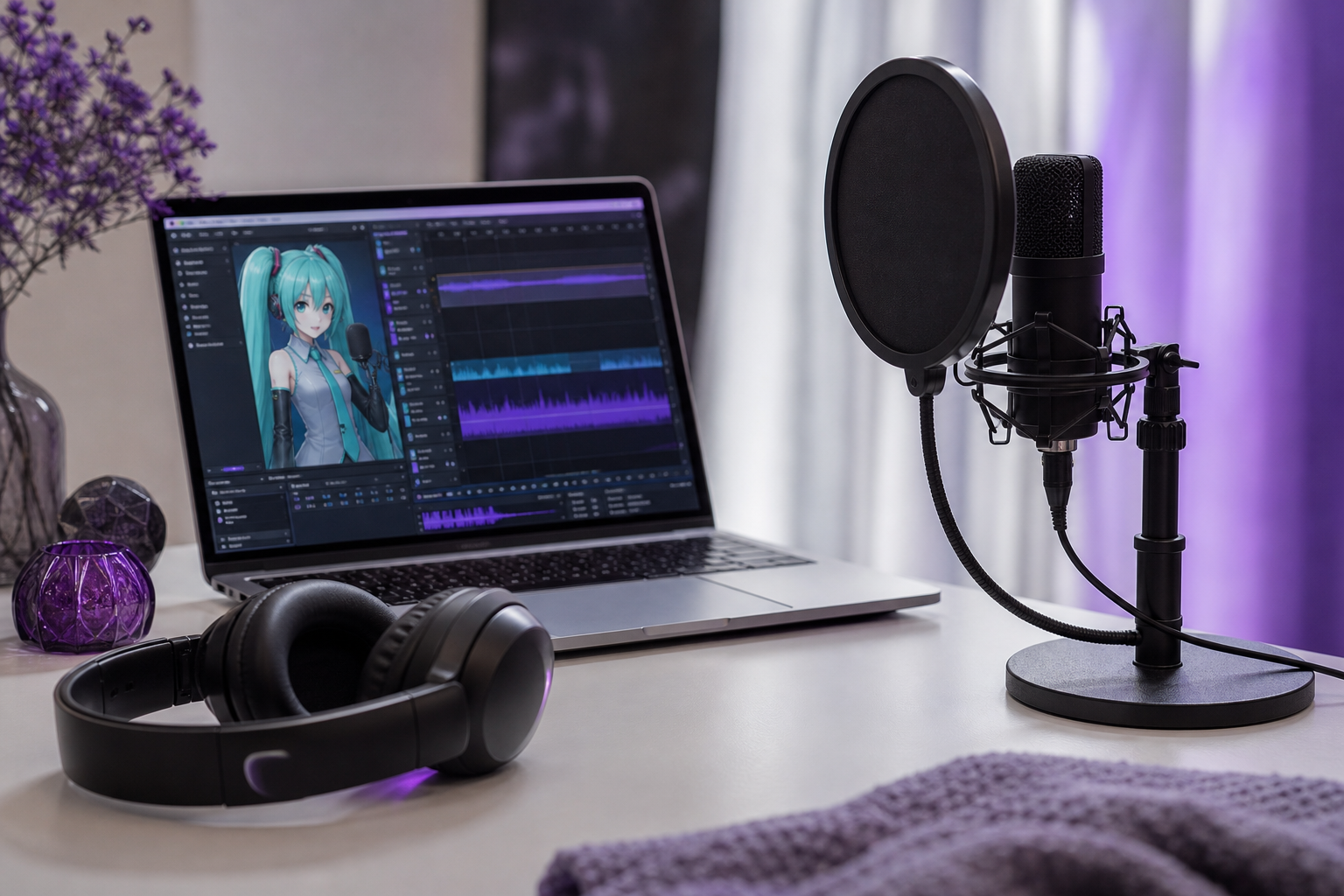
Create Miku voice generator vocals in 10 minutes with AI tools—no expensive software needed. Master mixing techniques for production-ready results.