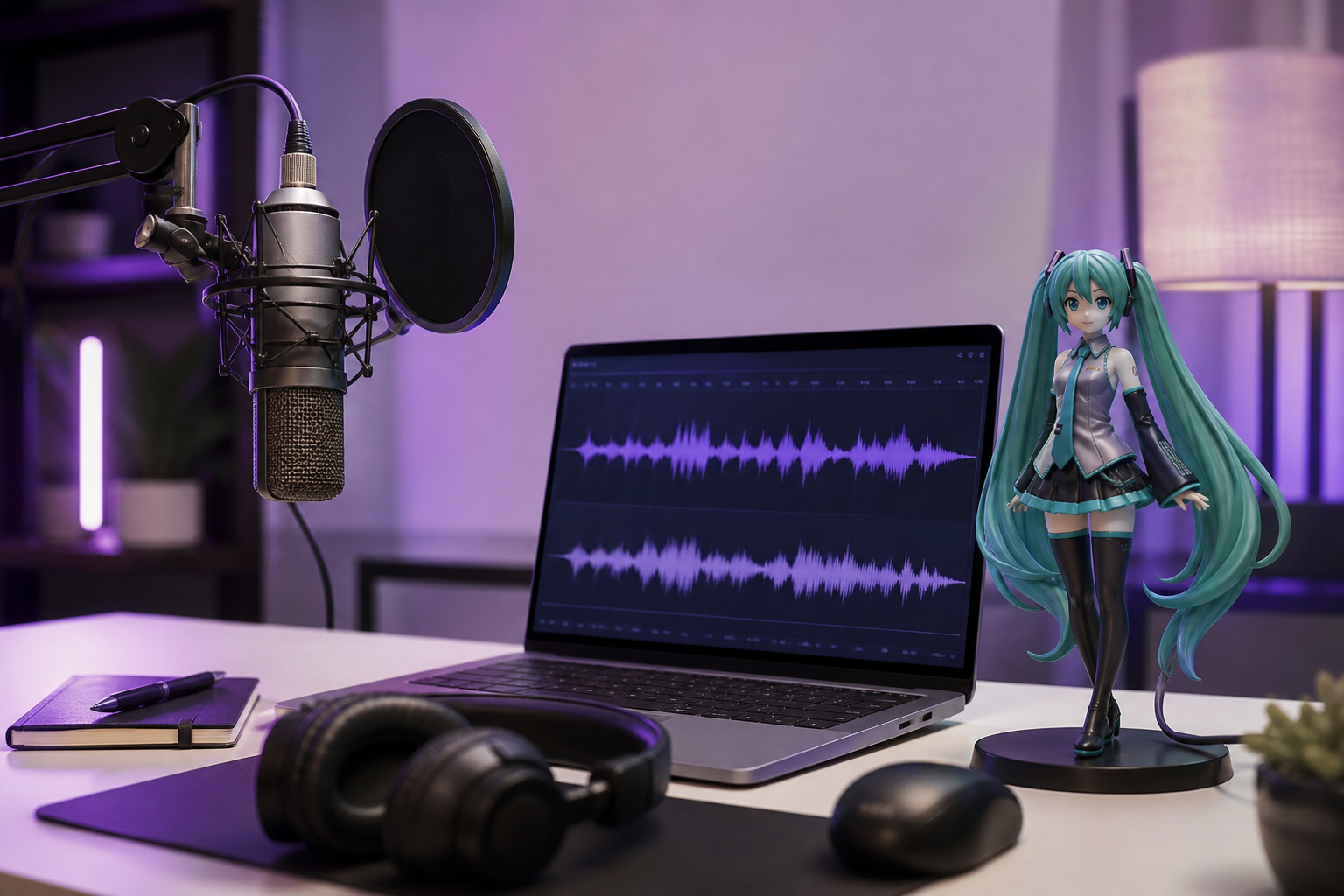
How to Create Hatsune Miku Voice Clips with an AI Voice Generator
You want that unmistakable bright, synthetic-but-musical Hatsune Miku timbre in your next video, track, or stream — but you don't own a $200 Vocaloid voicebank, you've never sequenced a phoneme in your life, and the pre-licensed clips floating around YouTube never say exactly what your script needs. A modern miku voice generator solves that problem by collapsing what used to take a weekend of music-production work into a three-minute text-to-audio flow. This guide walks you through the platforms, the step-by-step generation, the cloning shortcut for extra authenticity, the fixes for robotic output, and the post-production checklist to actually ship the clip.
Table of Contents
- What Makes a Miku Voice Generator Different from Standard Text-to-Speech
- Where to Generate Miku Voice Clips: 5 Platforms Compared
- Generate Your First Miku-Style Voice Clip: A 6-Step Walkthrough
- Cloning a Miku-Adjacent Voice in 20 Seconds: The Authentic Route
- Why Your Miku Clip Sounds Robotic — and 6 Fixes That Work
- The 9-Item Checklist to Ship Your Miku Clip
- Miku Voice Generator FAQ
What Makes a Miku Voice Generator Different from Standard Text-to-Speech
Before you pick a tool, you need to understand a distinction that 90% of tutorials skip — and it's the reason your first attempts probably sounded wrong.
The original Hatsune Miku is not AI. According to voiceover specialists at Voquent, Miku is a sample-based Vocaloid voicebank: a finite library of recorded sounds that users manually stitch into phonemes and words. Voquent describes the workflow as "closer to playing a musical instrument than triggering a TTS engine" — Vocaloid does not automatically string words together, and Voquent estimates it costs around $200 just to start working officially with a Miku voicebank, separate from any digital audio workstation (DAW) you'd need to actually produce music.
That's the legacy workflow. A modern AI voice generator flips the model entirely. Trained on large datasets, it produces speech from typed text in seconds. You're not sequencing phonemes — you're typing a script and pressing Generate. For the 95% of creators who don't have music-production training, this is the only practical route to a Miku-style clip. DubSmart AI's Text to Speech module sits in this category.
Now the acoustic fingerprint. According to CapCut's Miku voice resource, Miku's sound is high-pitched, crisp, and bright, with a "slight mechanical feel" that creates her futuristic atmosphere. That last detail matters — the mechanical edge isn't a bug to engineer out, it's the signature. The source recordings come from Japanese voice actor Saki Fujita, whose "clear, bright, and expressive voice" with a "youthful and slightly sweet tone" defines the timbre creators are chasing.
The demand for this synthetic voice profile is enormous. Fish Audio's Miku TTS voice has been used by over 630,000 creators, and Voquent estimates Miku's career earnings across music, concerts, and collaborations at roughly $120 million — a number that underscores why so many platforms now offer Miku-adjacent voices and why the technical bar for "good enough" keeps rising.
By the end of this guide, you'll generate a publishable Miku-style clip without buying Vocaloid software. You'll know which platform fits your workflow, how to push pitch and speed without producing chipmunk artifacts, and exactly how to clone a more authentic voice when a library voice isn't close enough to Saki Fujita's signature tone.
A Miku voice generator isn't trying to replace Vocaloid for full music production — it's trying to give the other 95% of creators a working Miku clip in three minutes instead of three weekends.
Where to Generate Miku Voice Clips: 5 Platforms Compared
Not every tool offers a Miku voice the same way. Some give you a pre-built library voice. Some require you to upload a sample first. One (Vocaloid) is full music production software. Picking wrong means hours of wasted setup for the wrong output format.
| Platform | Miku Access Method | Sample Required | Customization | Pricing |
|---|---|---|---|---|
| DubSmart AI | Library + custom cloning | 20 seconds for clone | Pitch, speed, cloning | Credit-based, free tier |
| CapCut | Custom voice from sample | ~10 seconds | Volume, speed, effects | Free with editor |
| Fish Audio | Pre-built Miku TTS | None | Speed, pitch, emotion | Free + commercial upgrade |
| EaseUS VoiceWave | Voice changer | Full audio input | Voice library selection | Free online tier |
| Vocaloid 6 (Crypton) | Native voicebank | None | Full phoneme programming | ~$200 voicebank license |
If you want fast text-to-speech in a Miku-style voice with cloning as a backup option, DubSmart AI compresses the workflow into one tool: a 300+ voice library, 20-second voice cloning, and a built-in Speech Separator (part of the AI Dubbing workflow) that's useful for prepping clean clone samples.
If you're already editing in CapCut, the custom-voice workflow lives inside your editor. CapCut requires roughly a 10-second Miku sample to build a custom voice, exports MP3, FLAC, WAV, and AAC, and lets you adjust volume and speed plus apply in-app voice changers.
If you want a pre-built Miku TTS voice with zero setup, Fish Audio offers immediate generation with speed, pitch, and emotion controls in an "Advanced Playground," plus an upgrade path that unlocks commercial-use rights — a sharp contrast to Crypton's licensing model.
If you need to transform existing vocals into Miku rather than generate from text, EaseUS VoiceWave follows the voice-changer pattern: upload audio, pick the Miku voice, download the converted file.
If you're producing a full album, Vocaloid 6 remains unmatched for phoneme-level control — but at roughly $200 just for the voicebank (not counting the DAW), it's a different category of investment than the AI tools above.
The practical middle ground: a hosted AI voice generator with both library voices and on-demand cloning, accessible via web UI for creators and via API for developers automating multilingual production pipelines.
Generate Your First Miku-Style Voice Clip: A 6-Step Walkthrough
This is the part where you actually produce audio. Follow these six steps and you'll have a publishable clip in under 10 minutes.

Step 1 — Sign up and open the Text to Speech module
Head to dubsmart.ai and create a free account — the free tier is enough to generate test clips before committing credits. Open the Text to Speech dashboard. You'll see a script input field on the left and a voice selection panel on the right. The voice panel is where you'll spend the next two minutes filtering candidates. Keep that panel open — you'll cycle back to it whenever a generated clip doesn't quite match Miku's profile.
Step 2 — Choose a voice from the 300+ library that matches Miku's profile
Filter for high-pitch female voices with bright timbre and a slight synthetic edge. These are the closest library matches to Saki Fujita's tonal profile that defines Miku's recognizable sound. Preview three or four candidates with the same test phrase — "Hello, this is a test of my new voice" works well because it includes both hard consonants and sustained vowels. Listen for the clarity in the "s" sounds and the brightness in the vowels. If none of the library voices land within a few percent of your reference, plan to clone (Section 4 covers that). Library voices are starting points, not endpoints.
Step 3 — Paste your script and apply pitch + speed adjustments
Miku's signature pitch sits in the high register. Push pitch up moderately — but don't max it. Over-pitching produces chipmunk artifacts that read as cartoon, not Miku. For sung phrases, drop speed slightly to 0.9x–0.95x to give vowels room to breathe. For spoken dialogue, keep speed at 1.0x. The granularity matters: Fish Audio's Advanced Playground exposes the same speed, pitch, and emotion controls as an industry standard, which is the level of control you should expect from any serious AI voice tool.
Step 4 — Generate and preview
Click Generate. Processing typically completes in under two minutes for clips under 30 seconds. Listen on headphones, not laptop speakers — the high-frequency content that defines Miku's sound doesn't render correctly on small drivers, and you'll make bad mixing decisions if you judge the clip on built-in speakers. Developers can wire this same flow into their app via the Text to Speech API.
Step 5 — Export in the right format
For YouTube, TikTok, or Instagram, export MP3 — the platforms re-encode anyway, so the smaller file size makes no quality difference. For DAW production, music mastering, or game audio middleware, export WAV (lossless, preserves dynamic range for mixing). CapCut additionally supports FLAC and AAC if your downstream tool requires them — useful to know if you're handing files to a sound designer with specific format requirements.
Step 6 — Save the voice configuration for repeat use
Save the voice + pitch + speed combination as a preset. If you're producing a series — episodes, chapter narrations, recurring character dialogue — this preset guarantees tonal consistency across every clip. Re-generating a voice from memory two weeks later will drift, and your audience will notice.
Cloning a Miku-Adjacent Voice in 20 Seconds: The Authentic Route
Library voices are generic anchors. If you want the specific vibrato, the specific phoneme transitions, the specific airy edge that makes a clip read as Miku rather than "anime girl voice #4," cloning enters the workflow. Here's how to do it without producing a noisy, artifact-laden mess.
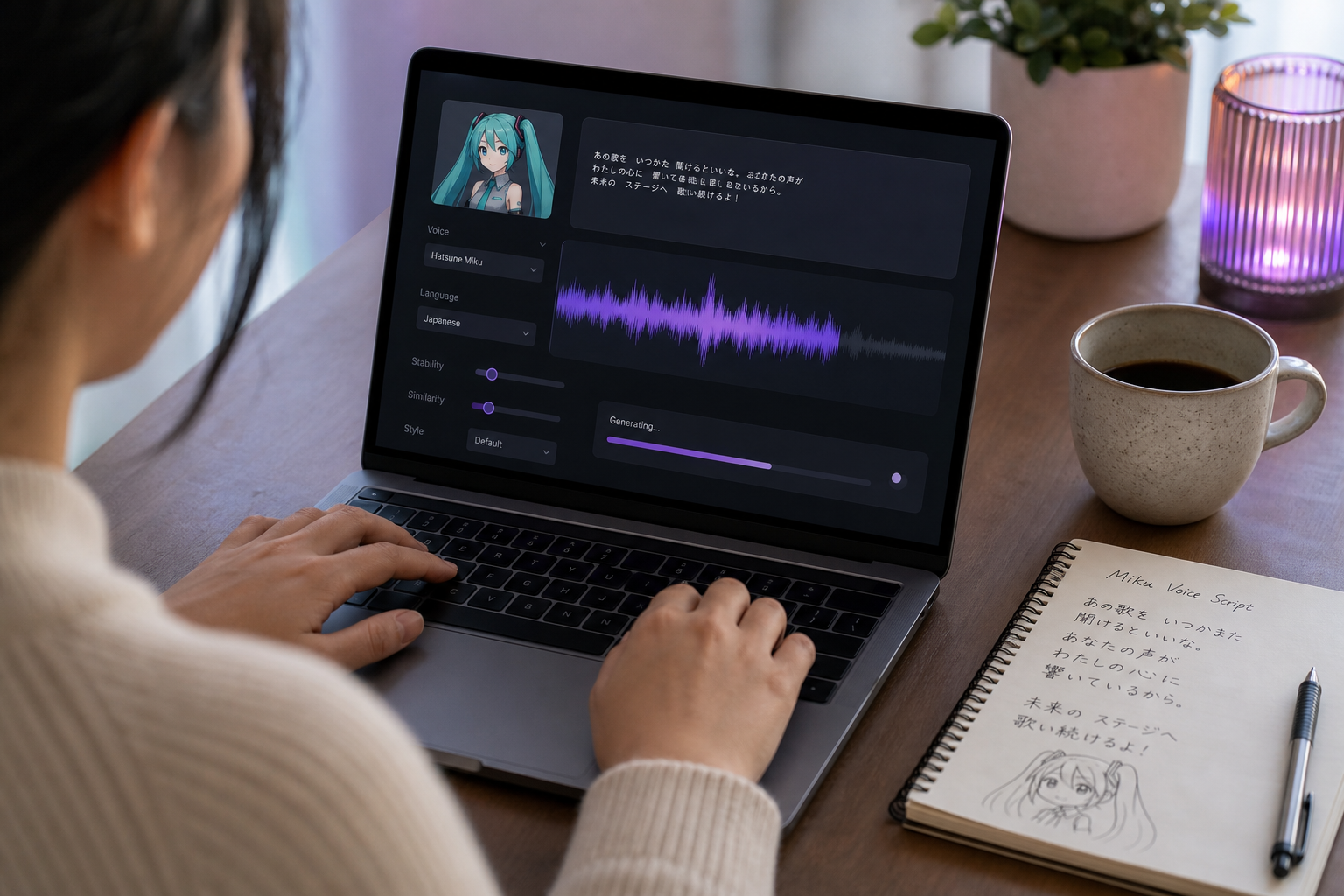
- Why clone instead of using a library voice. A library voice gives you the general shape. Cloning lets you reproduce the specific vibrato depth, brightness, and slight mechanical artifact that CapCut identifies as defining Miku's recognizable timbre. DubSmart's voice cloning needs only a 20-second clean sample — enough to capture the tonal profile without requiring you to find a 10-minute isolated vocal track.
- The sample-length benchmark. Twenty seconds is the floor. CapCut's comparable workflow uses roughly 10 seconds for its custom voice feature. More sample audio generally produces a more faithful clone — but sample quality beats quantity every time. A clean 20-second acapella will outperform a noisy two-minute concert rip every time you run the comparison.
- Isolate the vocals before uploading. Run the source through a Speech Separator or an equivalent vocal isolation tool to strip instrumentals. Musicfy's documentation explicitly recommends "purely an acapella" input and offers "Remove Instrumentals" and "Remove Reverb/Echo" toggles for the same reason. A clone is only as clean as its source — garbage in, garbage out applies brutally here.
- Training time benchmark. In a documented RVC voice-conversion experiment, creator longestsoloever trained a model on roughly 6 minutes of vocals with about 15 minutes of training time on local hardware. Hosted cloning sidesteps the local-GPU bottleneck entirely — typically minutes from upload to usable clone. Production teams can automate this via the Voice Cloning API.
- Inherited pitch behavior. Cloned voices inherit the source's natural pitch register. If your sample is a high-register Miku track, the clone defaults to that register — which is ideal for staying in Miku's signature range without forcing aggressive pitch adjustments at generation time. This is one of the reasons cloning produces more natural results than pushing a library voice up two octaves: the model learns the register, it doesn't get shifted into it.
- Licensing reality check. The Miku character — name and visuals — is owned by Crypton Future Media. Voquent notes that even purchasing the official Vocaloid voicebank does not automatically grant rights to "officially release" a song using Miku's name and visuals. You need licensing from Crypton for commercial branded work. Fan content and parody are typically lower-risk under fair use; commercial campaigns are not. If you're using a Fish Audio-style voice with a commercial-use upgrade tier, verify that licensing covers your specific use case before publishing.
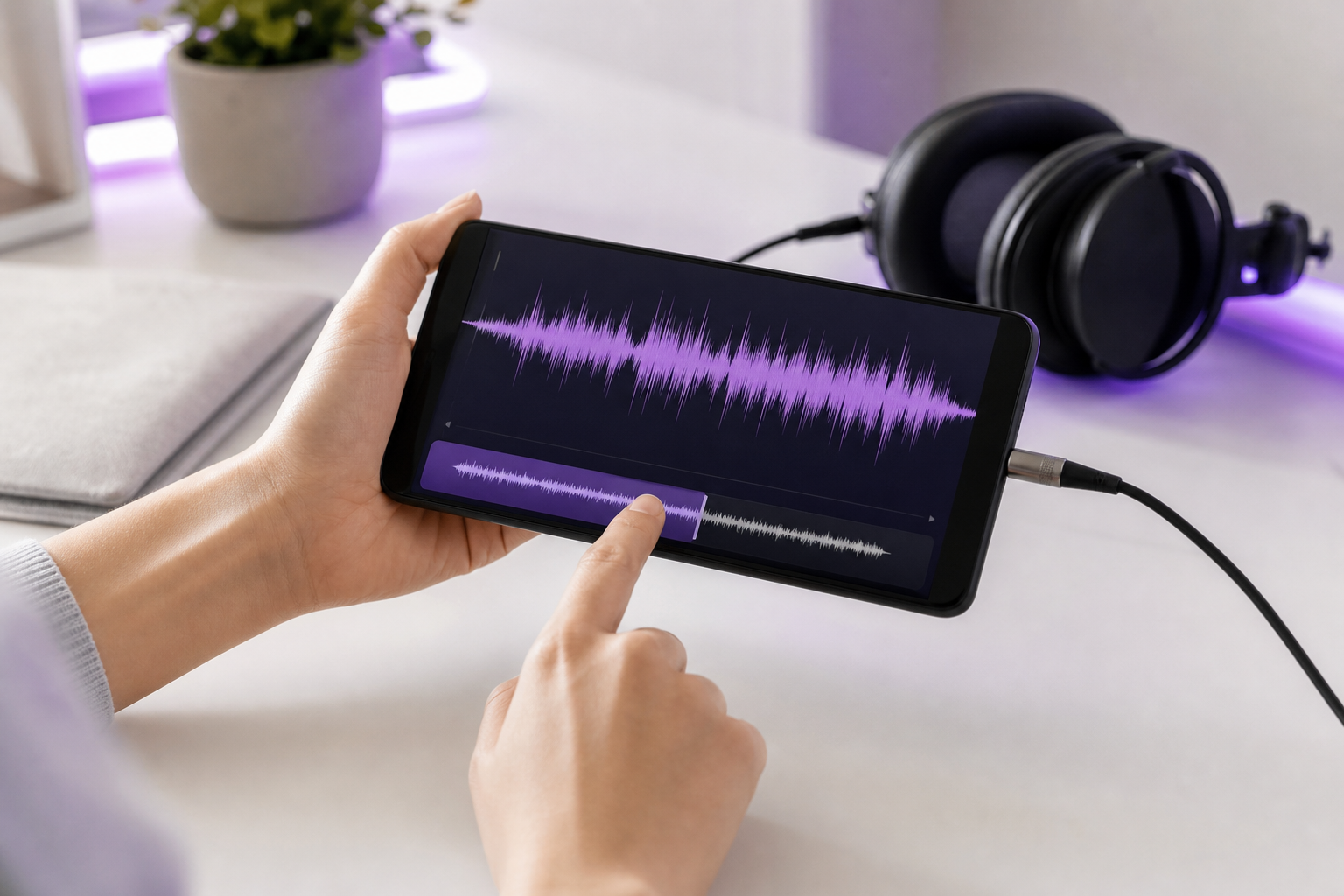
If you're cloning Miku, sample quality matters more than the AI engine — a clean 20-second acapella beats a noisy 5-minute concert rip every time.
Why Your Miku Clip Sounds Robotic — and 6 Fixes That Work
You generated your first clip. It plays back. And something is off — it sounds robotic in the wrong way. Not the charming mechanical edge that defines Miku, but a flat, uncanny, "this is clearly AI" texture. Here's how to diagnose and fix the six most common causes.
Pitch drift and warble. Miku's pitch should be stable or modulate musically, not waver randomly between syllables. The cause is almost always overcompressed input audio (if you cloned) or aggressive pitch shifting at generation time. The fix: reduce pitch shift increments by half and regenerate. If you pushed pitch up by 12 semitones, try 6. The kind of granular pitch control that Fish Audio exposes in its Advanced Playground is what you should look for in any serious AI voice tool — coarse pitch controls produce coarse, warbly output.
Unnatural phoneme transitions. AI sometimes clips consonants or stretches vowels in ways that no human voice does. Voquent observes that even traditional Vocaloid required "considerable creative work" to sound natural. Modern AI shortcuts this enormously, but not perfectly. The fix: break long sentences into shorter phrases of 8–12 words. Regenerate problem phrases individually. Splice them back together in a free audio editor like Audacity. This three-minute manual step eliminates the phoneme glitches that ruin otherwise good clips.
Over-processing destroys the signature clarity. This is the most common self-inflicted wound. You added reverb because "vocals always need reverb." You added EQ because "highs need a boost." You added autotune because "Miku is autotuned, right?" Wrong. CapCut's sound profile description calls out "crisp and bright" as defining qualities — adding reverb and aggressive EQ smothers exactly the clarity Miku fans expect to hear. The fix: start with zero effects. Add only after A/B-testing against an official reference track. If your processed version sounds worse than the raw export, your processing chain is the problem.
Script-tone mismatch. Anime-cadence dialogue works. Corporate copy, technical documentation, and formal narration sound jarring in a Miku-style voice. The vocal personality requires conversational, slightly playful phrasing — short sentences, contractions, exclamations, the occasional rhetorical question. If your script reads like a press release, the AI voice will deliver it like a press release, and the contrast with Miku's bright timbre will land as uncanny. The fix: rewrite the script. Read it aloud first. If you wouldn't say it like that in casual conversation, neither should your synthetic vocals.
Noisy sample in cloning. A heavily reverb-laden or noise-floored source sample yields a clone with all those artifacts baked in permanently. The longestsoloever RVC experiment on YouTube illustrates this brutally — source quality issues produced results the creator openly described as bad enough to title the video "IT WENT BAD." The fix: re-isolate vocals using a Speech Separator, denoise the sample, and re-clone from scratch. Musicfy's acapella-first guidance is the right north star — if your sample doesn't sound clean on its own, the clone won't either.
Voice inconsistency across episodes. You generated episode 1 in January. You generate episode 4 in March. The two clips don't quite match — pitch is slightly different, brightness is off, the cadence has drifted. This is what happens when you don't save the voice + pitch + speed preset and try to recreate the settings from memory. The fix: save and reuse the exact preset (or clone) every single time. Document the numerical settings in your project notes. A future editor — or future you, six months later — will need them.
Most "robotic" output isn't a platform failure. It's one of these six fixable issues, usually a combination of two or three at once.
Robotic output is almost always a script problem, not a platform problem — Miku sounds best when you write conversational, slightly playful dialogue instead of corporate copy.
The 9-Item Checklist to Ship Your Miku Clip in a Video, Game, or Track
You have a clip. It sounds right. Before you hit publish, run this checklist.
- Confirm export format matches the destination. MP3 for YouTube, TikTok, Instagram — the platforms re-encode anyway, so file-size efficiency wins. WAV for DAW production, mastering, and game audio middleware. If your downstream tool needs something exotic, CapCut also supports FLAC and AAC.
- Sync to picture or beat. Drop the clip into Premiere, DaVinci Resolve, CapCut, or your DAW. Snap to frame markers for lip-sync work, or quantize to bar lines for music. Don't eyeball it — a misaligned vocal by even 100ms reads as wrong to viewers even if they can't articulate why.
- Level the vocal at -6dB to -3dB peak. This sits Miku above the background music bed without clipping into distortion. Use the built-in meter in your editor or a free plugin like Youlean Loudness Meter. Skipping this step is the most common reason creator audio sounds amateur compared to professional content.
- Test on headphones AND phone speakers. High-frequency content renders differently across drivers. What sounds crisp on AirPods can sound harsh on a Samsung phone speaker, and the bright timbre that defines Miku is exactly the frequency range where these differences show up. Test on at least two playback systems before publishing.
- Disclose AI-generated audio in public posts. YouTube and TikTok require disclosure of synthetic media in many cases, and policies are tightening. Add a line to your description: "Vocals generated using AI voice synthesis." This protects your channel from future enforcement actions and respects audience trust.
- Verify Miku-character usage rights. Voquent explicitly notes that even purchasing Vocaloid does not grant rights to "officially release" using Miku's name and visuals — Crypton Future Media licensing is required for commercial use. Fan content typically clears under fair use; branded campaigns and merchandise do not. If you're using a Fish Audio-style voice with explicit commercial-use upgrades, check that the licensing tier covers your specific application.
- Save your voice preset and clone parameters. If you cloned a custom voice, export or save the clone configuration so you can regenerate without re-uploading the original sample. For the next episode, you just open the preset and type new text.
- Version your exports. Name files with date and version —
miku_intro_2025-01-15_v3.wavis unambiguous;final_FINAL_v2.wavis a recipe for disaster. Versioning lets you roll back if a regeneration sounds worse than the previous take, and it lets collaborators find the right file without asking you. - Document your settings for collaborators. Pitch value, speed value, voice ID, any post-effects in the chain — log them in your project notes. A future editor (or future you, after a vacation) will thank you when the question "what settings did we use for episode 2?" comes up six weeks later.
Scaling up. If you're producing dozens of clips per month — a weekly series, a localized podcast, a game with hundreds of NPC lines — the manual UI workflow stops scaling around clip 20. That's when API automation enters the picture. Wire generation into your CMS or content pipeline via the Text to Speech API and the AI Dubbing API so new scripts auto-generate audio on commit. Pair your Miku audio with AI-generated visuals using the Image to Video module for a complete production pipeline, and use the AI image generator for thumbnail art that matches the audio's energy.
Miku Voice Generator FAQ
Is it legal to use an AI-generated Miku voice in my YouTube video?
Fan content and parody are typically lower-risk under fair use, but the Miku character — name and visuals — is trademarked by Crypton Future Media. Voquent notes that even purchasing the official Vocaloid voicebank doesn't automatically grant rights to release commercially using Miku's name and likeness. For YouTube, disclose AI-generated audio in your description. For commercial campaigns, branded content, or merchandise, contact Crypton directly for licensing.
How long does voice cloning take?
Upload-to-usable-clone typically takes a few minutes on hosted platforms, which avoid the local-GPU training overhead entirely. For comparison, a self-trained RVC model required roughly 6 minutes of vocal samples and 15 minutes of training time in one creator's documented experiment. Hosted cloning is significantly faster because the underlying infrastructure is pre-optimized and the model weights don't need to be trained from scratch for each new voice.
What audio format should I export for YouTube vs. music production?
For YouTube, TikTok, or Instagram: MP3 — these platforms re-encode anyway, so the smaller file size makes no audible quality difference. For DAW work, mastering, or game audio middleware: WAV, which is lossless and preserves dynamic range through your mixing chain. If your downstream pipeline requires FLAC or AAC, CapCut supports those formats as well, which is useful when you're handing files to a sound designer with specific requirements.