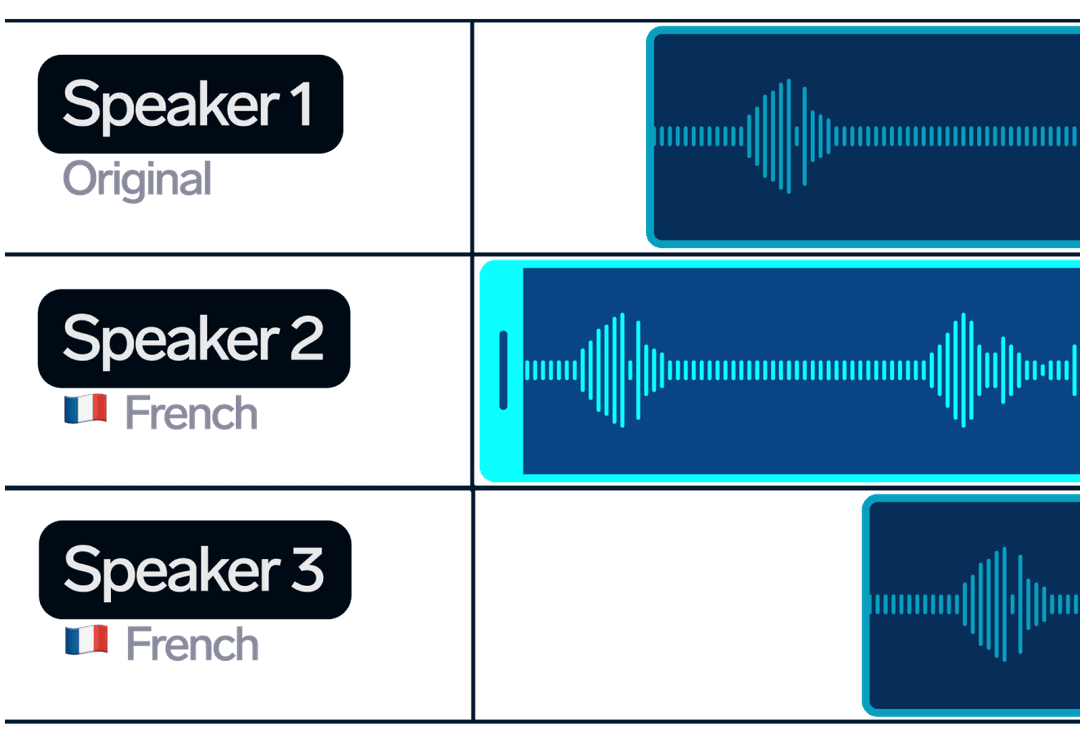
The challenges of traditional Audio and Video Dubbing
High cost of Dubbing
Dubbing content into other languages is expensive, especially for smaller content creators or companies.
Time-consuming Dubbing process
Traditional dubbing methods are very time-consuming, delaying content release and limiting the ability to quickly adapt to new markets.
Difficulty scaling to multiple languages
Dubbing content into many languages is hard and expensive, which makes it difficult to reach a global audience.
AI Dubbing solves these problems
AI Dubbing in 33 languages with realistic voice cloning
Reach global audiences without hiring voice actorsDub your audio or video into 33 languages
Reach a global audience by dubbing your content into 33 languages. Connect with viewers worldwide.Clone each speaker’s voice for natural dubbing
Maintain content authenticity with AI voice cloning. Replicate each speaker's unique voice for engaging dubbing.Save hours with fast, automated dubbing
Streamline your dubbing workflow and save time with our automated AI dubbing. Focus on content creation.How AI Dubbing works
Choose AI Dubbing
Dubbing content becomes effortless with advanced artificial intelligence technology
Upload your video
Insert a YouTube link or upload audio/video from your device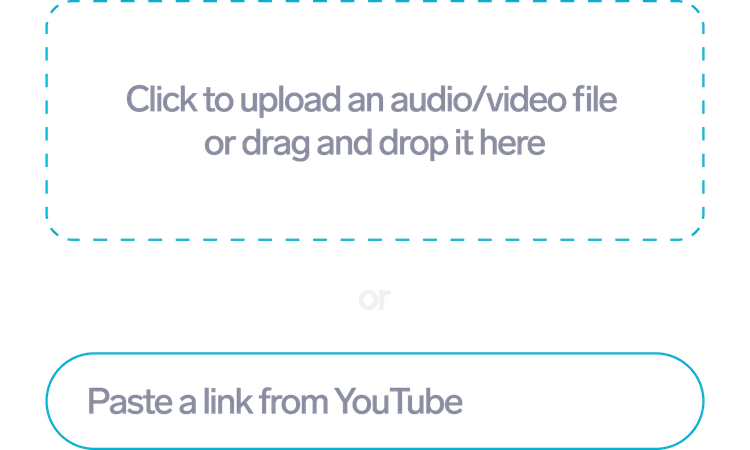
Edit your project
Add speakers, edit timings and text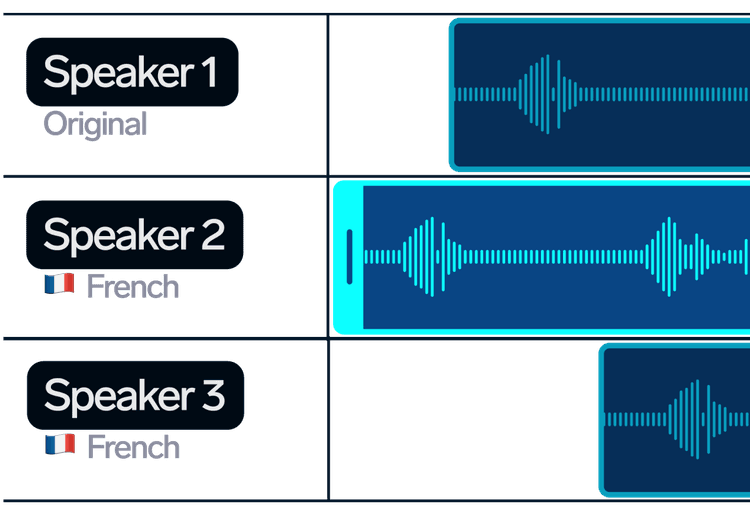
Download the finished project
Select the desired format and save your project
FAQ
What is AI Dubbing?
AI Dubbing utilizes artificial intelligence to convert text into spoken word, creating a natural and customizable voiceover in various languages.
What languages does AI Dubbing support?
You can dub videos from 60+ languages into 33 languages.
Do you have an AI Dubbing API?
Yes, we have the AI Dubbing API.
How to make the result of AI Dubbing better?
You can edit the Dubbing AI project to improve the quality of dubbing.
How to change the speech rate in an AI Dubbing project?
Open the project in the Dubbing Studio. At the bottom of the Dubbing Studio, there are audio tracks. To change the speech rate, squeeze or stretch the audio track.
How to edit timestamps in AI Dubbing project segments?
Open the Dubbing Studio. The segment timestamps are displayed above the segment. Click on the segment timestamps to edit them.
How to regenerate a segment in Dubbing?
Open the project in the Dubbing Studio. At the bottom of the screen you will see the audio tracks. Click the 'Regenerate' button on the desired audio track.
How to change the volume of background sound?
Open the project in the Dubbing Studio. You can change the volume of the background sound in the background sound settings.
Can I dub a movie?
Yes, you can dub a movie using AI Dubbing. The voices from the movie will be automatically cloned.
What are the benefits of dubbing videos?
You can maximize revenue from each video by easily localizing content for a global audience.
How to add speech to the video?
To add speech to a video, just upload the video to AI Dubbing and choose a language.
How does AI Dubbing differ from traditional voiceover methods?
Unlike traditional voiceovers that require human actors, AI Dubbing leverages synthetic voices that can be quickly generated and modified. This allows for faster turnaround times, consistent quality, and the ability to produce voiceovers in multiple languages from a single source script.
What languages and dialects are supported by AI Dubbing?
Our AI Dubbing service supports a wide array of languages and dialects. We are constantly expanding our database to include more linguistic varieties to meet the needs of global content creators and audiences.
Can I use AI Dubbing for YouTube videos or podcasts?
Absolutely! AI Dubbing is perfect for creating voiceovers for YouTube videos, podcasts, or any other type of digital content. It can help you produce high-quality, engaging audio content that captures your audience's attention.
Do I need any technical skills to use AI Dubbing?
No technical skills are required to use AI Dubbing. Our platform is user-friendly, with an intuitive interface that guides you through the process of creating a voiceover, making it accessible for users of all skill levels.