Create voiceovers for videos or ads
Voiceovers are too expensive
Hiring voice actors or using multiple tools eats up time and budget, especially for frequent updates.
Scaling сhallenges
Need content in multiple languages? Traditional methods make multilingual voiceover production slow and costly.
Hard to edit or update speech
Need to change one word? Traditional voiceovers turn small edits into big production tasks.
Text to Speech AI solves these problems
Create realistic speech from text with DubSmart AI
Turn text into natural-sounding speech in seconds — in any language, with any voiceClone an unlimited number of voices
Clone any number of voices in 33 languages. No limits, no extra cost.Voiceovers in any language
Reach a global audience with support for dozens of languages and authentic accents.300+ human-like voices
Male, female, and neutral — perfect for ads, videos, courses, and more. All voices are studio-quality and ready to use.How Text to Speech works
Choose Text to Speech
Generate speech from text quickly and really easily
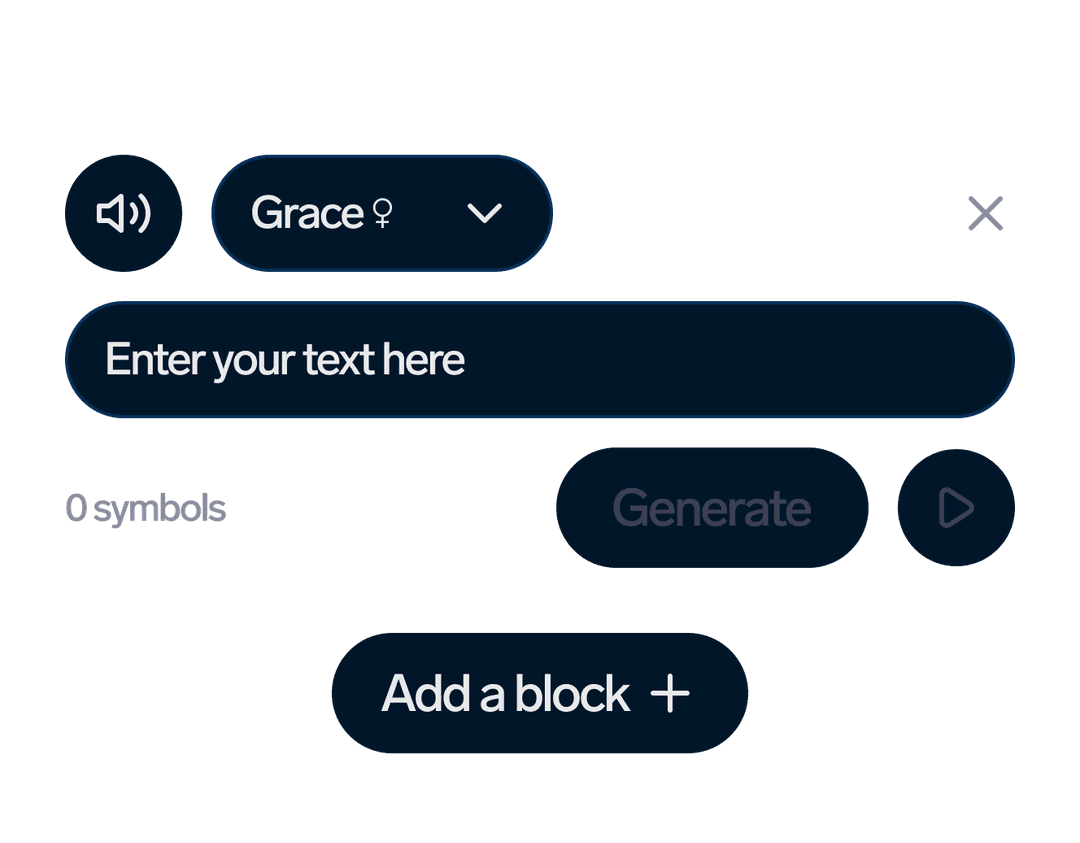
Create Speech
Enter text in any language, select a speaker and generate a speech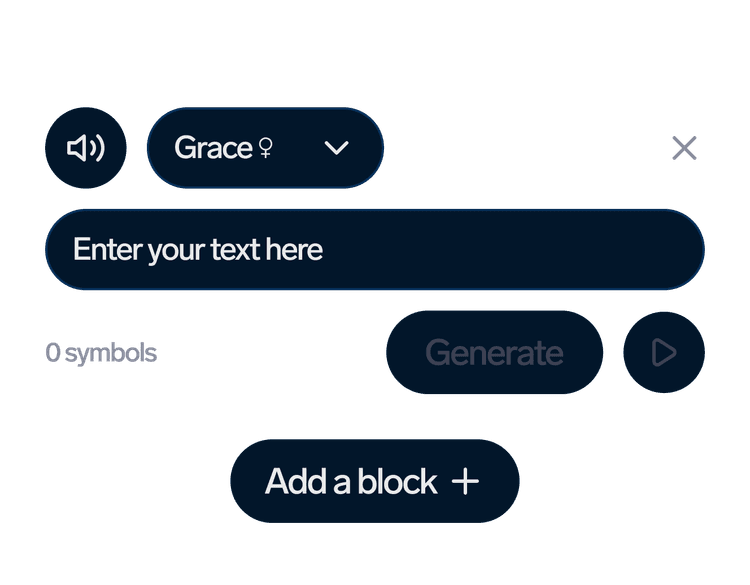
Edit your TTS project
Add more speakers and edit text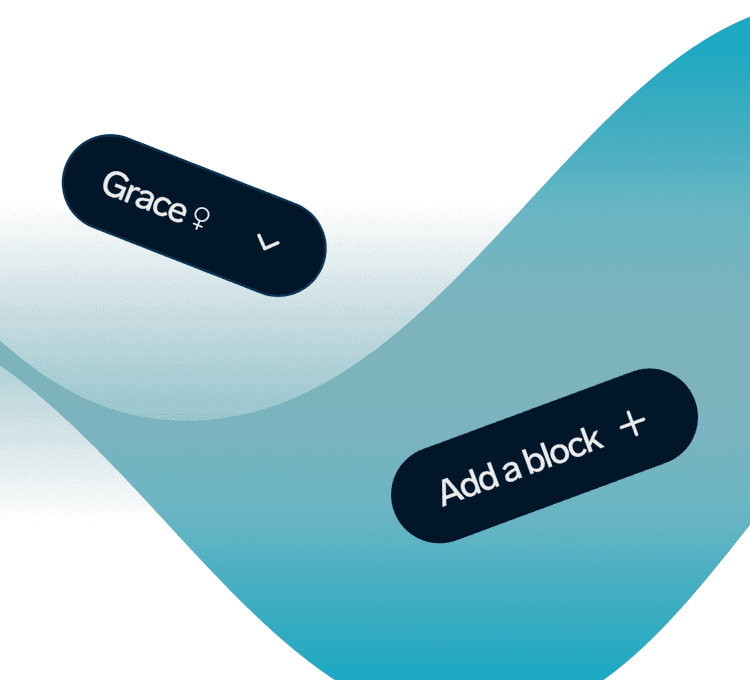
Download your TTS project
Select the desired format and save your Text to Speech project
Text to Speech examples
Discover the versatility of Text to Speech through our audio examples, illustrating its seamless conversion of written text into lifelike speech, revolutionizing content delivery across different platforms.
 Rachel
  Scott
Scott  Anna
Anna FAQ
What is Text to Speech (TTS)?
Text to Speech (TTS) technology converts written text into natural-sounding speech. TTS helps bloggers, brands, and businesses create voice experiences, automate content narration, and improve user engagement across apps, websites, and devices.
How does Text to Speech work?
Text to Speech works by processing written text through algorithms that generate synthesized speech, mimicking natural human speech patterns and intonations.
What are the common applications of Text to Speech?
Text to Speech technology is commonly used in various applications such as accessibility features for visually impaired individuals, audiobooks, navigation systems, virtual assistants, and customer service interactions.
Is Text to Speech available in multiple languages?
Yes, Text to Speech supports multiple languages and accents, allowing users to choose the desired language and voice style for their content.
Can TTS convert any text into speech?
DubSmart's TTS can convert any text into natural-sounding speech.
How to change the speech rate in Text to Speech?
At the bottom of the editing page, the speech rate is shown as '1.00x'. To change the speech rate, click on this button and select the desired speed.
How to add emotions in Text to Speech?
You can use dialogue tags to express emotions, such as 'he said happily', or 'he shouted angrily'. These types of prompts will help the AI understand the desired emotional tone and try to generate a voiceover that accurately reflects it.
How to emphasize a word?
If you want to accent a word, write the stressed vowel with a capital letter. For example: 'HellO hOw are yOu?'
How to make a number pronounced in the correct language?
If a number is pronounced incorrectly, write the number in words.
Do you have Text to Speech API?
Yes, we have Text to Speech API.