You have a cover song, an original track, a fan animation, or a meme video mapped out in your head — and you want that unmistakable bright, synthetic Miku vocal on top of it. The problem is picking the right miku voice generator without buying Vocaloid software, learning a DAW for three weeks, or landing in a legal gray zone you didn't sign up for. Free browser novelty tools sound robotic and glitchy. Professional DAW plugins run into the hundreds of dollars with a punishing learning curve. Cloning tools raise real questions about what you're actually allowed to publish. This guide walks you through an AI-based workflow that turns text or your own vocal into Miku-style output in minutes, plus the practical calls — tool type, input quality, language, licensing — you'll make along the way. And Miku is no niche curiosity: her original software generated roughly ¥57.5 million in early Amazon Japan sales and grew into an IP with an estimated ¥10 billion in branded goods sales by 2012, according to Wikipedia.
Table of Contents
- Which Approach Actually Gets You a Miku Voice
- Preparing Your Input: Text Script vs. Voice Sample
- Step-by-Step: Generating the Miku Voice
- Dialing In the Signature Sound
- Staying on the Right Side of Copyright and Character Rights
- Putting It to Work: Covers, Videos, Localization, and Scaling
- Your Miku Voice Launch Checklist
- FAQ
Which Approach Actually Gets You a Miku Voice (and Which Wastes Your Time)
Before you spend a single minute or a single dollar, understand that there are three real routes to a Miku-style voice — and only one of them fits most creators. Picking wrong means either weeks of unnecessary learning or output so glitchy you can't publish it.
The first route is traditional Vocaloid or Synthesizer V software. This is the pedigree option, singing-native, with frame-level pitch editing that lets you sculpt every note. It's also paid, historically positioned as premium music software, and slow to a first usable result — you're looking at days to weeks before you produce anything you'd share. If precise, note-by-note musical control is your entire reason for existing, this still wins on editing depth.
The second route is free web novelty generators. Instant, free, zero setup. Also robotic, glitchy, weak on language control, and almost always murky on commercial rights. Fine for a throwaway meme. A dead end for anything you want to monetize or scale.
The third route — the one this guide focuses on — is an AI text-to-speech plus voice cloning pipeline. You get a natural result in minutes, cloneable from short samples, working across many languages, with clearer export terms. It won't give you Vocaloid's surgical pitch editing, but for narration, covers with lighter editing, memes, and multilingual scaling, it's faster and cheaper by a wide margin.
That focus isn't arbitrary. According to Piapro platform data, the ecosystem hosts more than 100,000 songs versus roughly 1,000 3D models — audio-first uses dominate Miku creation, which is exactly where an AI audio workflow earns its keep.
| Route | Cost | Learning Curve | Output Naturalness | Speed to First Result |
|---|---|---|---|---|
| Vocaloid / Synth V software | High (paid) | Steep | High (with skill) | Slow (days–weeks) |
| Free web novelty tools | Free | Minimal | Low / robotic | Instant |
| AI TTS + voice cloning | Low (credit-based) | Gentle | High | Minutes |
| Route | Singing vs. Speaking | Commercial-Use Readiness |
|---|---|---|
| Vocaloid / Synth V software | Both, singing-native | Yes, under license |
| Free web novelty tools | Mostly speaking | Unclear / limited |
| AI TTS + voice cloning | Both, config-dependent | Yes, check platform terms |
The fastest path to a usable Miku voice isn't the most famous software — it's the workflow that turns your text or your own vocal into output in under five minutes.
If you don't need note-by-note pitch surgery, the AI pipeline built on text-to-speech and voice cloning gets you a publishable result while a Vocaloid user is still watching tutorials. Decide honestly: are you engineering a song note by note, or producing content at speed? That answer picks your route.
Preparing Your Input: Text Script vs. Voice Sample
Whatever mode you land on, output quality is decided before you hit generate. Garbage in, robotic out. Here's how to prepare clean input for each path.
If you're going text-to-speech, write phonetically clean scripts and treat punctuation as production instructions. Commas and periods control pacing and breathing. Line breaks control phrasing. For English loanwords sitting inside Japanese lyrics, use phonetic spellings so the engine doesn't mangle them. The script itself is a production spec — sloppy punctuation produces flat, robotic delivery, while deliberate formatting yields natural singing or speech phrasing. Read your script out loud before pasting it. If you stumble, the engine will too.
If you're cloning from a vocal sample, the input bar is about consistency, not just quantity. Standard industry voice-cloning practice traditionally aims for 10–30 minutes of clean, single-speaker audio for a high-fidelity, versatile model. Newer AI systems, though, can capture a recognizable timbre from as little as ~20 seconds when the audio is genuinely clean and consistent. "Clean" has a precise meaning here: minimal background noise, no music bed underneath, consistent mic placement, and a stable vocal tone throughout. Fluctuations in mic distance, room reverb, or a shifting speaking style introduce artifacts that no amount of tuning fully repairs.
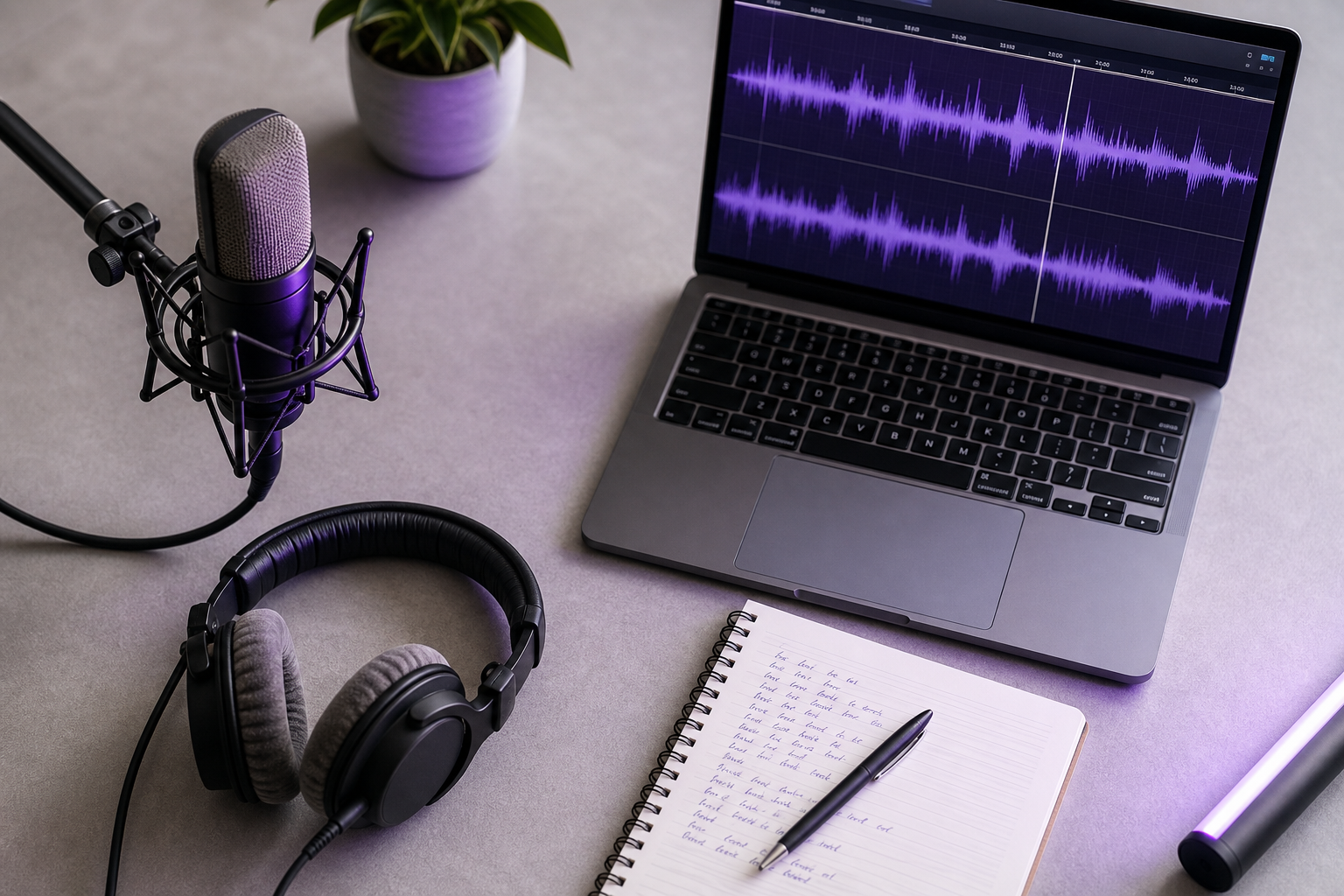
If your only source has instrumentation, run a separation step first. When your source vocal comes buried under a backing track, isolating the vocal before cloning is non-negotiable — the model will otherwise learn the instrumentation as part of the "voice." A tool like DubSmart's Speech Separator pulls the vocal clean so your cloned profile captures timbre, not drums. Skipping this step is the single most common reason cloned output sounds muddy.
When choosing your target language, remember that Miku's signature timbre reads most authentically in Japanese pronunciation. Multilingual output absolutely works for localization, but language choice affects how "authentically Miku" the result feels — a tradeoff worth deciding on deliberately rather than by accident. This ties directly into the voice cloning configuration you'll set up next, so lock your language before you generate rather than regenerating later.
Step-by-Step: Generating the Miku Voice in an AI Platform
With clean input ready, generation is fast and mostly a matter of not skipping steps. Here's the working spine.
- Choose your mode. Decide between Text to Speech — where you type lyrics or a script — and Voice Cloning, where you upload your prepared sample. This is the fork every miku voice generator workflow starts from, and it determines everything downstream.
- Upload sample or paste script. Bring in the cleaned input you prepared earlier. Don't re-edit here; the prep work is already done.
- Select a high, bright vocal profile. Pick a voice from the library that matches Miku's register — high, clear, with synthetic brightness — or apply your cloned profile if you're going that route.
- Set language and pronunciation. Choose Japanese for signature authenticity, or a target language for localized output. Support spans many languages, so match the setting to your audience.
- Adjust speed, pitch, and emphasis. Set your baseline sliders here. Fine tuning comes in the next section — for now, get in the right ballpark.
- Generate and preview. Listen to the full output before committing. Catch problems now, not after export.
- Regenerate credit-efficiently. A credit-based model with rollover credits means iteration doesn't torch your budget — but preview first so each regeneration is purposeful, not a shot in the dark.
- Export. Output in the format your project needs. Sample rate and bit depth details come further down.

The whole loop runs in minutes once your input is prepared, which is why the Text to Speech path suits creators who value speed. The discipline that separates a usable first result from ten wasted regenerations is simply previewing before you commit — treat step 6 as a hard gate, not a formality.
Dialing In the Signature Sound: Pitch, Tone, and Character Settings
Getting a voice to read as Miku — not just "a high anime voice generator output" — is where most creators either nail it or give up. The sonic signature is specific: a high register, bright synthetic clarity, a touch of breathiness, and crisp consonants. That balance lives in configuration, not in the model alone. Two people can start from the same voice profile and end up with wildly different results based purely on how they tune it.
Start with pitch and speed, and move in small increments. The most common failure is pushing pitch too high or speed too fast in a single jump, which produces the tell-tale chipmunk effect — thin, squeaky, and unmistakably artificial in the wrong way. Nudge pitch up a step, re-preview, nudge again. The difference between "bright and clear" and "cartoon chipmunk" is often a couple of small increments, and you can only hear where that line sits by listening at each stage. Large single jumps blow straight past the sweet spot.
Next, decide between singing-style phrasing and flat spoken delivery, because they demand different setups. This is where the punctuation and emphasis choices from your input stage pay off. Sustained notes and musical phrasing come from emphasis markers and deliberate line breaks interacting with your pitch settings — the engine stretches and shapes vowels where you've told it to breathe and hold. Leave the script flat and unmarked, and you get spoken TTS no matter how bright the profile. The phrasing you build into the input is what turns configuration into a performance.
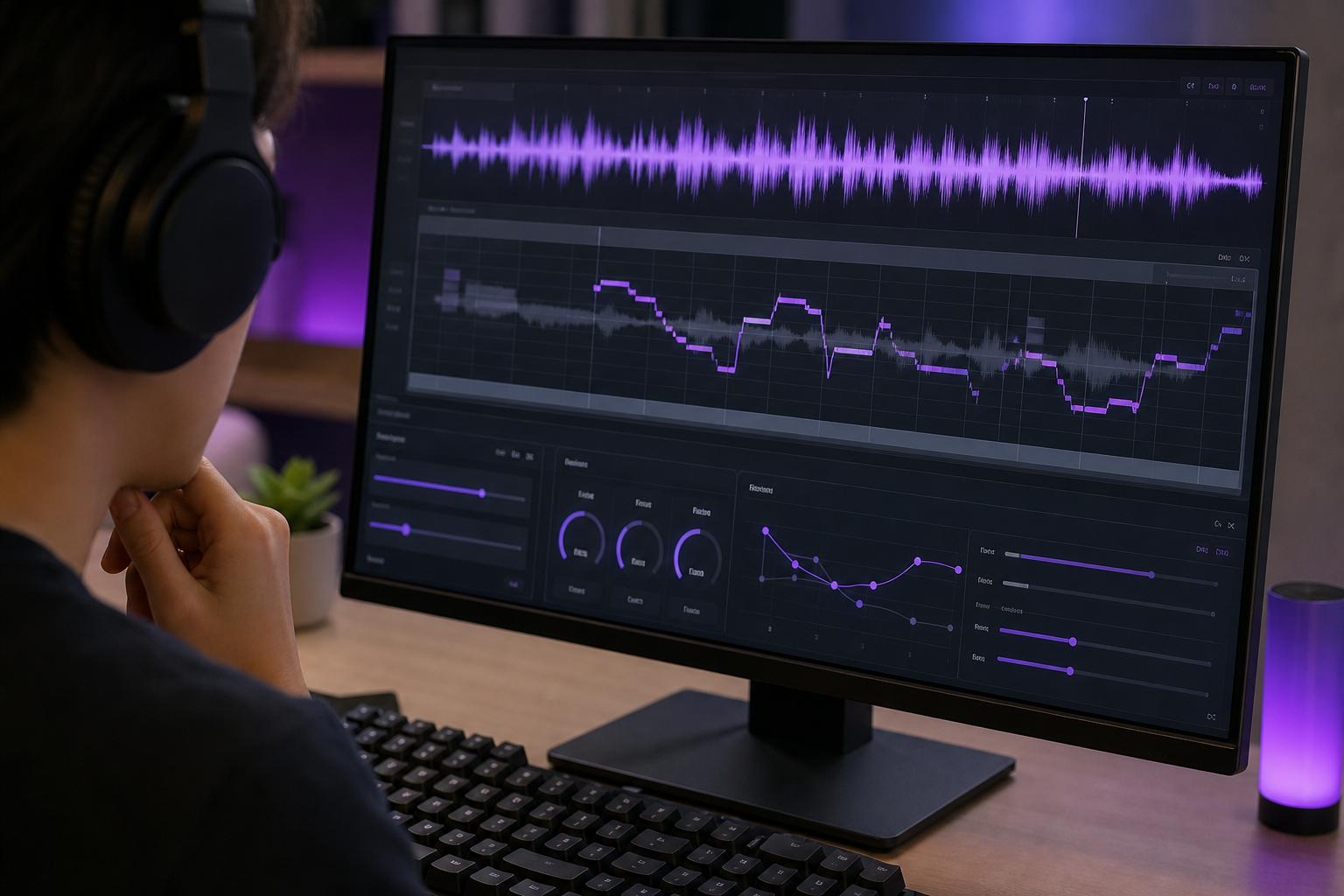
Know the common failure modes and their real fixes, because the fix depends entirely on the cause:
- Muddy or smeared output usually means the input wasn't clean enough. No setting rescues a dirty sample — go back and re-record or re-separate the vocal.
- Unnatural breaths or awkward pauses come from pacing. Adjust emphasis and punctuation-driven timing in the script rather than fighting it with sliders.
- Mispronounced English loanwords in Japanese lyrics are a spelling problem. Rewrite the offending word phonetically in the script so the engine reads it the way you hear it.
That points to a clean decision heuristic for when to iterate on input versus adjust settings: if the timbre is wrong — the voice simply doesn't sound like the character you want — fix the sample or switch the profile. If the phrasing or pacing is wrong but the timbre is close, stay in the settings. Confusing the two wastes credits; you'll regenerate endlessly tweaking sliders when the real problem was a noisy sample, or re-record for hours when a single emphasis marker would've fixed it.
Finally, treat the technical target as part of the sound. Audio-engineering practice for streaming aims for an integrated loudness around −14 LUFS, with peaks kept below 0 dBFS. Hit those and your Miku-style AI singing voice sits cleanly in a mix on YouTube or social platforms instead of clipping, buried, or jarringly louder than everything around it.
Miku isn't just a high voice — it's clarity plus a touch of synthetic brightness, and that balance lives in your pitch and emphasis settings, not the model alone.
Staying on the Right Side of Copyright and Character Rights
This is a decision you make before you publish, not legal boilerplate you skim past. A great-sounding voice you can't legally release is worthless, so settle it early.
- Who owns Hatsune Miku. Crypton Future Media created the character, and her voicebank is distributed under the Piapro Character License, which permits commercial and non-commercial music creation while imposing conditions on how the character's image and copyrighted assets are used. The official Piapro character page describes Miku as music software that generates a singing voice from lyrics and melodies — the primary source on what her license actually covers.
- Fan and non-commercial use. The Character Usage Guidelines referenced by Piapro require derivative works to avoid offensive or defamatory content, provide appropriate credit to Crypton's characters, and observe restrictions on using them as brand mascots. This functions as the informal community standard most fan creators operate under, even for non-commercial work.
- The Creative Commons caveat. Don't assume a blanket CC license. Creative Commons licenses on Piapro apply only to original illustrations uploaded by users. Music, video, and 3D CG related to Crypton's characters are not automatically covered and require separate permissions or adherence to the character usage guidelines.
- "Miku-style" voice versus licensed assets. Generating a Miku-style timbre with an AI generator is not the same as using Crypton's official licensed voicebank or character art. That distinction matters directly for what you can legally publish — a stylistic resemblance and a licensed asset sit in different legal buckets, and conflating them is where creators get into trouble.
- Cloning ethics. Never clone a real person's voice without documented consent — a voice is biometric data. Commercial voice-AI ethics guidance from providers such as Respeecher and CAMB.AI stresses explicit, recorded consent and purpose limits on how a cloned voice gets used. Transparency guidance from Kits.ai adds that you should disclose AI-generated voices when audiences might reasonably assume human speech. Using your own voice as the cloning base is the clean, safe route. A law-review discussion in Juris Magazine notes that emerging legislation and case law increasingly treat non-consensual voice cloning as a potentially actionable harm.
- Platform terms. Whatever generator you use, check its commercial-use and export rights before you publish. Terms vary, and "I generated it" is not the same as "I'm cleared to monetize it."
A great-sounding voice you can't legally publish is a dead end — settle your licensing before you settle your mix.
Putting It to Work: Covers, Videos, Localization, and Scaling Up
Once you can reliably generate a Miku-style voice, the question becomes operational: which mode and which export settings fit each output type, and how do you scale without burning credits. Match the workflow to the job.
| Use Case | Recommended Mode | Export Spec | Volume / Credit Note |
|---|---|---|---|
| Song cover | Voice Cloning | 48 kHz / 24-bit WAV | Save profile, reuse per track |
| YouTube narration | Text to Speech | 48 kHz / 16-bit | Batch scripts, watch credits |
| Fan animation dub | TTS or Clone | 48 kHz / 24-bit | Sync length affects credits |
| Multilingual content | AI Dubbing | 44.1/48 kHz | Rollover credits aid volume |
Those export specs aren't arbitrary. Audio-engineering practice for music and dubbing projects lands on 44.1 kHz or 48 kHz sample rate and 16- or 24-bit depth, matching common DAW defaults and avoiding resampling artifacts when you combine AI vocals with other tracks. Match your project's session settings and you skip a whole class of conversion problems.
Scaling is where the workflow really pays off. For cover batches, save a single cloned voice profile and reuse it across many tracks — consistency across a whole catalog with zero re-setup. For channels expanding internationally, push multilingual versions through AI dubbing rather than re-recording each language from scratch. Because audio-first uses dominate the Miku ecosystem — recall Piapro's 100,000-plus songs against roughly 1,000 3D models — covers and narration are the highest-volume real-world applications, which is exactly what a reusable voice profile is built to serve.
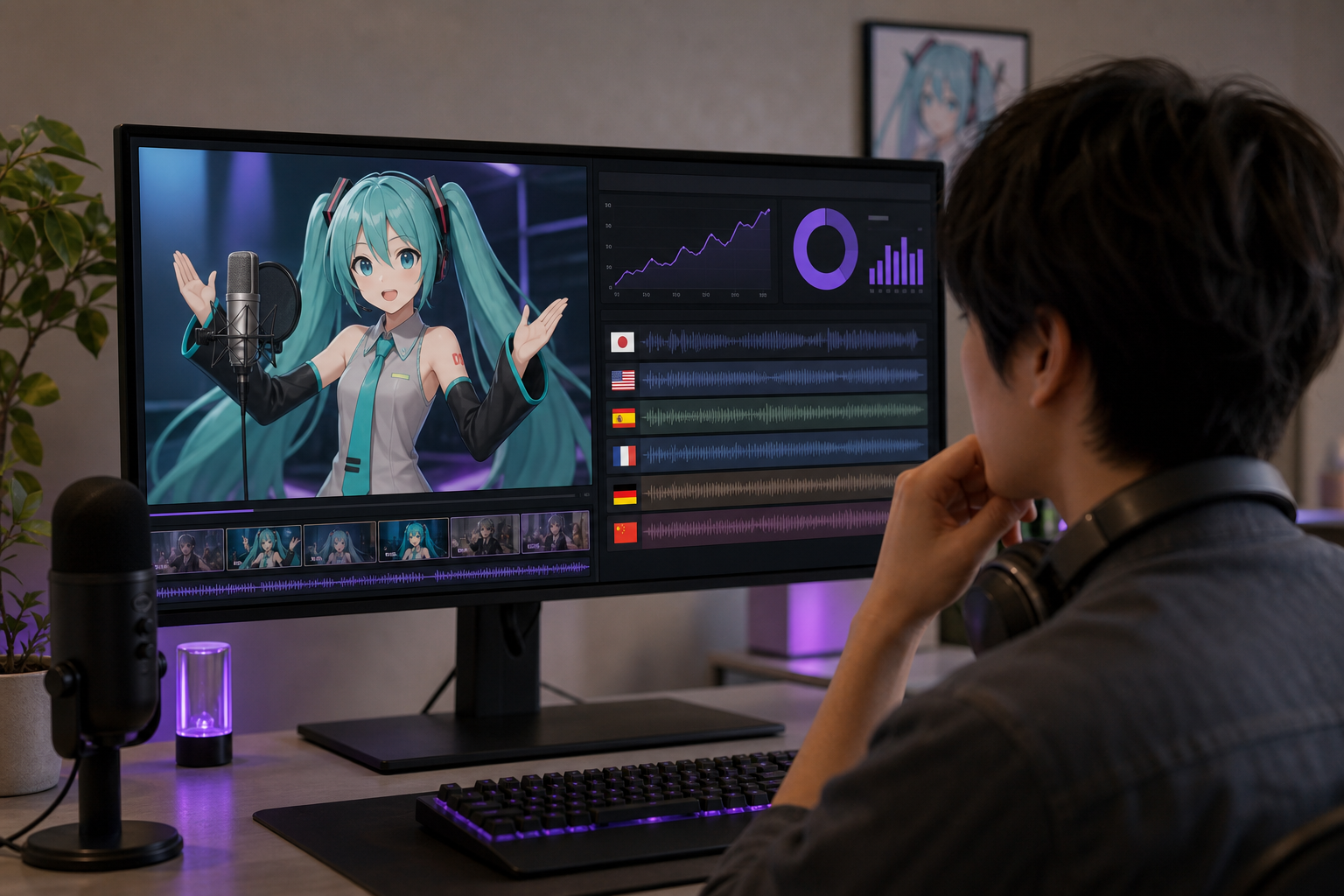
Developers and agencies running voice generation at volume can skip the manual interface entirely. Automating generation through a Voice Cloning API or AI Dubbing API lets you produce hundreds of clips or localize an entire library programmatically, which is where rollover credits stop being a convenience and start being a budgeting tool. Producing fan animation visuals to pair with the audio is its own pipeline — worth planning alongside the vocal work so your release ships complete rather than in pieces.
Your Miku Voice Launch Checklist
Run this before you publish. Every item is a concrete action pulled from the workflow above, grouped into four phases so nothing slips through between generating your miku voice generator output and hitting upload.
Pre-generation
- Input cleaned — no background music, no reverb, consistent mic tone (or script punctuation set for phrasing).
- Target language chosen — Japanese for signature authenticity, or a target language for localization.
- Licensing confirmed — Piapro Character License and Character Usage Guidelines reviewed; commercial versus non-commercial decided.
- Consent verified — if cloning, you're using your own voice or documented consent.
Generation
- Mode selected — Text to Speech or Voice Cloning.
- Bright, high vocal profile applied.
- Pitch, speed, and emphasis dialed in without chipmunk artifacts.
- Preview approved before spending more credits.
Post-generation
- Exported at 44.1/48 kHz, 16/24-bit, in your project format.
- Leveled to roughly −14 LUFS with peaks under 0 dBFS.
- Rollover credits tracked for future iterations.
Publishing
- Appropriate character credit and attribution added per guidelines.
- AI-voice disclosure added where audiences might assume human speech.
- Platform commercial-use and export terms checked.
- Multilingual versions queued via dubbing if you're scaling.
FAQ
Can I make Miku actually sing, or only speak, with an AI generator?
Both are possible. Singing depends on phrasing — the punctuation, line breaks, and emphasis markers in your script — combined with pitch configuration that shapes sustained notes. Leave the script flat and unmarked and you'll get spoken delivery instead. If you need surgical, note-by-note musical control, traditional Vocaloid software still offers deeper editing than any TTS pipeline. For covers, hooks, and lighter musical work, the AI route reaches a singable result far faster.
Do I need Japanese audio to get an authentic Miku sound?
No, but Japanese pronunciation carries the signature timbre most authentically, since that's the register the character is built around. Multilingual output works well for localization and reaching international audiences — you just trade a measure of "authenticity" for reach. If the goal is a faithful Miku feel, stay in Japanese; if the goal is a localized version of your content, choose the target language and accept a slightly different character.
How much audio do I need to clone a Miku-style voice?
As little as roughly 20 seconds of very clean, consistent audio can capture a recognizable timbre with newer AI systems. Traditional high-fidelity models still lean on 10–30 minutes of clean, single-speaker recording for maximum versatility. The variable that matters most isn't length — it's cleanliness. Twenty seconds of noise-free, consistent audio beats several minutes of material recorded at shifting mic distances or over a music bed.
Is it legal to monetize a video using an AI Miku voice?
It depends. The Piapro Character License governs commercial music creation with conditions, and there's a real difference between using licensed assets and generating a "Miku-style" voice. Your generator's own commercial terms matter too. Confirm all three — the character license, whether you're touching licensed assets, and your platform's export rights — before you monetize. The licensing section above covers the distinctions in detail.
What's the difference between a free Miku voice generator and a paid AI platform?
Free tools are instant and cost nothing, but the output tends to be robotic and glitchy, with unclear or unusable commercial rights. A paid AI platform delivers natural output, voice cloning from short samples, multilingual export, and clearer commercial terms — typically through a credit-based model with rollover so iteration doesn't waste budget. For a throwaway meme, free is fine. For anything you'll publish, scale, or monetize, the paid route pays back the difference quickly.