You have a track idea sitting half-finished — maybe a fan-dub, a meme edit, or a vocal cover — and you want that unmistakable bright, weightless Hatsune Miku sound to carry it. But the path there is cluttered with bad options. Official Vocaloid and Synthesizer V software costs money and demands a note-by-note learning curve. The "free Miku voice" sites you find output flat, off-key audio. And generic AI tools either sound robotic or sit in murky copyright territory. The right miku voice generator workflow cuts through all of that, but only if you understand the two real frictions first: authenticity (getting something that genuinely reads as "Miku," not just a high-pitched TTS clip) and legality (knowing whether you're even allowed to publish what you make).
This walkthrough gives you a clean, practical route — the legal line you can't cross, how to choose between voice selection and cloning, the difference between speaking and singing output, how to tune the signature timbre, and how to export audio you can actually use. No hype. Just the working method for building an AI Miku voice that holds up.
Table of Contents
- Vocaloid vs. AI Voice Generator: Which Path Fits Your Miku Project
- The Legal and Ethical Line Before You Generate a Single Note
- Generating Your Miku Voice in DubSmart AI: Step-by-Step
- Dialing In the Signature Sound: Pitch, Tone, and Vocal Character
- From Speaking to Singing: Turning Generated Voice into a Vocal Track
- Exporting, Localizing, and Scaling Your Miku-Style Content
- Your Miku Voice Generation Pre-Flight Checklist
- Frequently Asked Questions
Vocaloid vs. AI Voice Generator: Which Path Fits Your Miku Project
There are two genuinely different routes to a Miku-style voice, and picking the wrong one wastes hours. Your choice depends entirely on what you're building.
Route A — Licensed singing-synthesis software (Vocaloid / Synthesizer V). Vocaloid synthesizes singing by combining pre-recorded voice samples from a voice actor with user-entered melody and lyrics. That makes it a text-and-score-driven singing engine, not a text-to-speech tool. You enter notes one at a time, then tune phonemes and dynamics by hand. Raw synthesis is only a first pass — detailed tuning is mandatory for convincing output, as VSynth and Vocaloid creation tutorials repeatedly stress. The upside is total melodic control inside a single editor. Yamaha's VOCALOID:AI research notes that modern systems use machine-learning models trained on large voice datasets to produce more natural timbre than older concatenative engines, according to Yamaha's AI Sound Synthesis overview.
Route B — AI voice generators (TTS + voice cloning). These focus on spoken prosody and do not natively support musical pitch control. To sing, you route the output through pitch-correction tools like a DAW or Melodyne. The trade is speed: no note entry, fast cloning from short reference audio, and broad multilingual output out of the box.

| Criterion | Vocaloid / Synth V | Generic AI TTS | AI Voice Cloning |
|---|---|---|---|
| Typical cost | Paid license | Free to paid | Free to paid |
| Learning curve | High | Low | Low–medium |
| Native pitch control | Yes | No (needs DAW) | No (needs DAW) |
| Speaking output | Limited | Yes | Yes |
| Setup before audio | Melody + lyrics + tuning | Type text | 20s reference |
(Cost, learning curve, singing, and setup trace to the Wikipedia "Vocaloid" technical description and the VSynth covers tutorial; commercial-use clarity traces to the Crypton/Vocaloid Wiki and the Berkeley Technology Law Journal. No verdict column — the right choice depends on your use case.)
So which route fits you? If you want a quick spoken line — a meme, a fan-dub of dialogue, a short voiced clip — go with AI Text to Speech. It's the fastest path to usable audio, and you can have a clip in under a minute. If you're producing a full sung cover and want command of every note, the licensed Vocaloid or Synthesizer V route gives you that precision, at the cost of a steeper ramp.
If you want speed plus a custom timbre — say, a brighter or more distinctive voice than the stock library offers — the cloning workflow paired with a DAW for pitch is your middle path. You clone a bright reference voice, generate spoken phrases fast, then pitch-map them in your DAW for singing.
The honest trade-off is this: the fastest route is rarely the most musically precise one. Vocaloid gives you note-level control but demands patience. AI generators give you instant output but leave the pitch work to you afterward. There's also an IP distinction running underneath all of this — Crypton's materials separate the copyright in Miku's name and mascot image from the synthesized vocal output. That separation matters enormously for what you can publish, and it's the subject of the next section.
The fastest route to a Miku-style voice is rarely the most authentic one — match the tool to whether you're talking or singing.
The Legal and Ethical Line Before You Generate a Single Note
This is the section most creators skip and later regret. Before you touch a miku voice generator, you need to understand what you're allowed to do — and the rules are more specific than "fan content is fine."
Character art and voice are licensed differently. Crypton Future Media adopted a Creative Commons Attribution–NonCommercial 3.0 (CC BY-NC 3.0) license for original Piapro character illustrations in 2012, according to Crypton's official Hatsune Miku page and the Piapro license terms. That license covers the images for noncommercial use with attribution. It is not a blanket right to commercially mimic or monetize her voice with AI. The art license and the voice are separate questions.
What the Piapro license actually covers. It applies to six core characters — Hatsune Miku, Kagamine Rin, Kagamine Len, Megurine Luka, MEIKO, and KAITO. Their original illustrations may be copied, adapted, and distributed for noncommercial use, provided you include the required credit line, such as "Hatsune Miku, © Crypton Future Media, Inc. 2007, licensed under CC BY-NC," per the Piapro license FAQ. Skip the attribution and you fall outside the license.
The Character Vocal Series software license has its own rules. Under Crypton's CV Series license, users may synthesize vocals for commercial and noncommercial use — but with hard limits. You cannot generate derogatory or disturbing lyrics, you cannot commercially distribute songs explicitly marketed as "sung by the character," and you cannot put the mascot image on commercial products without Crypton's consent, as summarized by the Vocaloid Wiki. The "sung by the character" restriction trips up a lot of people who assume any vocal output is fair game.
Cloning a real voice triggers an entirely different body of law. Legal analysis from Skadden, Arps, Slate, Meagher & Flom LLP explains that federal copyright protects a fixed sound recording but not the abstract qualities of a voice — vocal identity instead falls under state right-of-publicity statutes and contract law. The team at voice firm Respeecher puts it plainly: "You can't copyright a raw AI voice… However, if it sounds like a real person, you still can't use it without permission because of their Right of Publicity." A raw AI voice file generally isn't copyrightable because it lacks human authorship — but if it sounds like a specific real person, their publicity rights still control its use.
"Miku-style" versus a direct clone is the safer line. Training on licensed, non-celebrity data produces "new" voices where rights depend on data-licensing contracts rather than a specific person's identity, according to the Berkeley Technology Law Journal. Building an original Miku-inspired bright synthetic voice puts you on far more defensible ground than directly cloning the official voicebank.
Monetization is the bright line. Noncommercial fan content under CC BY-NC is broad and generous. The moment you cross into commercial use — selling products, running monetized campaigns — you need separate permission from Crypton. That's the decision point to plan around.
The defensible approach is straightforward: build an original Miku-inspired bright voice for noncommercial fan work, attribute the character art properly, and seek licensing before any commercial release.
Technical capability is not legal permission — a tool letting you clone a voice says nothing about whether you're allowed to publish it.
Generating Your Miku Voice in DubSmart AI: Step-by-Step
With the legal groundwork settled, here's the actual miku voice generator workflow inside DubSmart AI, from account creation to a previewed clip. The whole point is to test before you spend, so each step protects your time and your credits.

1. Create an account and choose the free tier. Start on the free tier so you can experiment before spending anything. The platform runs on a credit-based model with rollover credits, which means unused credits don't vanish at the end of a billing cycle — they carry forward, so early testing doesn't penalize you later.
2. Choose your tool: Text to Speech or Voice Cloning. Use Text to Speech for fast spoken Miku-style lines — dialogue, meme reads, voiced fan content. Use Voice Cloning when you want a custom bright voice built from a specific reference rather than a stock profile.
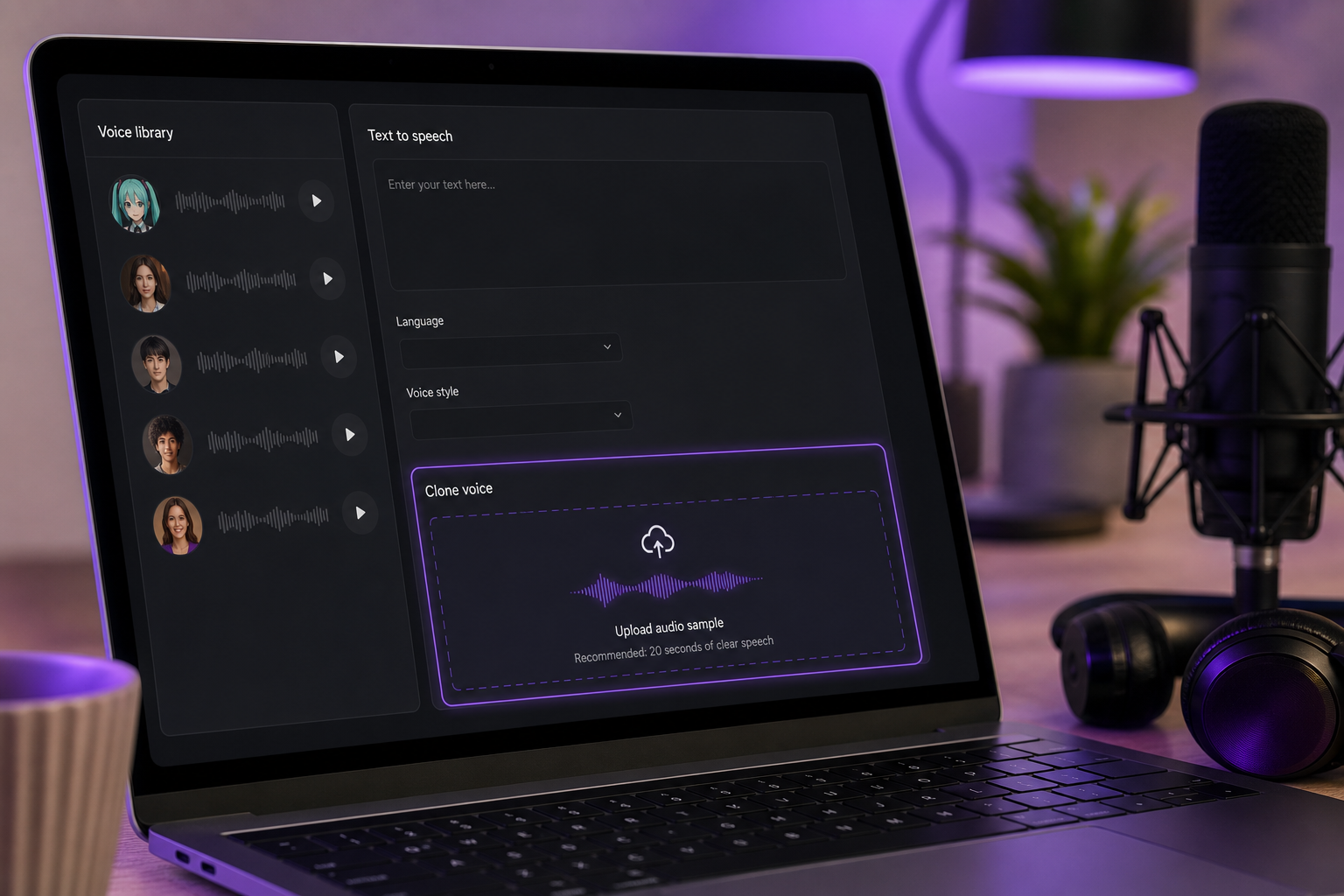
3. Select a voice profile or clone from a reference. Pick a high-pitched, bright voice from the 300+ voice library, or build your own through voice cloning from roughly 20 seconds of clean reference audio. If you clone, the reference must be a clean isolated vocal — no backing music, no room noise. The clone is only as good as the source.
4. Input your lyrics or dialogue. Paste your text into the input field. For spoken content, this is your final text. For sung lines, paste the lyric phrases — you'll handle the actual melody later in a DAW, covered further down.
5. Tune pitch, speed, and tone toward the signature Miku register. Push the voice toward bright, high, and crisp. The benchmark here is Yamaha's VOCALOID:AI research, which frames modern synthetic vocals as aiming for natural articulation and bright timbre rather than heavy robotic settings, per Yamaha's AI Sound Synthesis overview. Aim clean and clear, not buzzy. The exact targets come next.
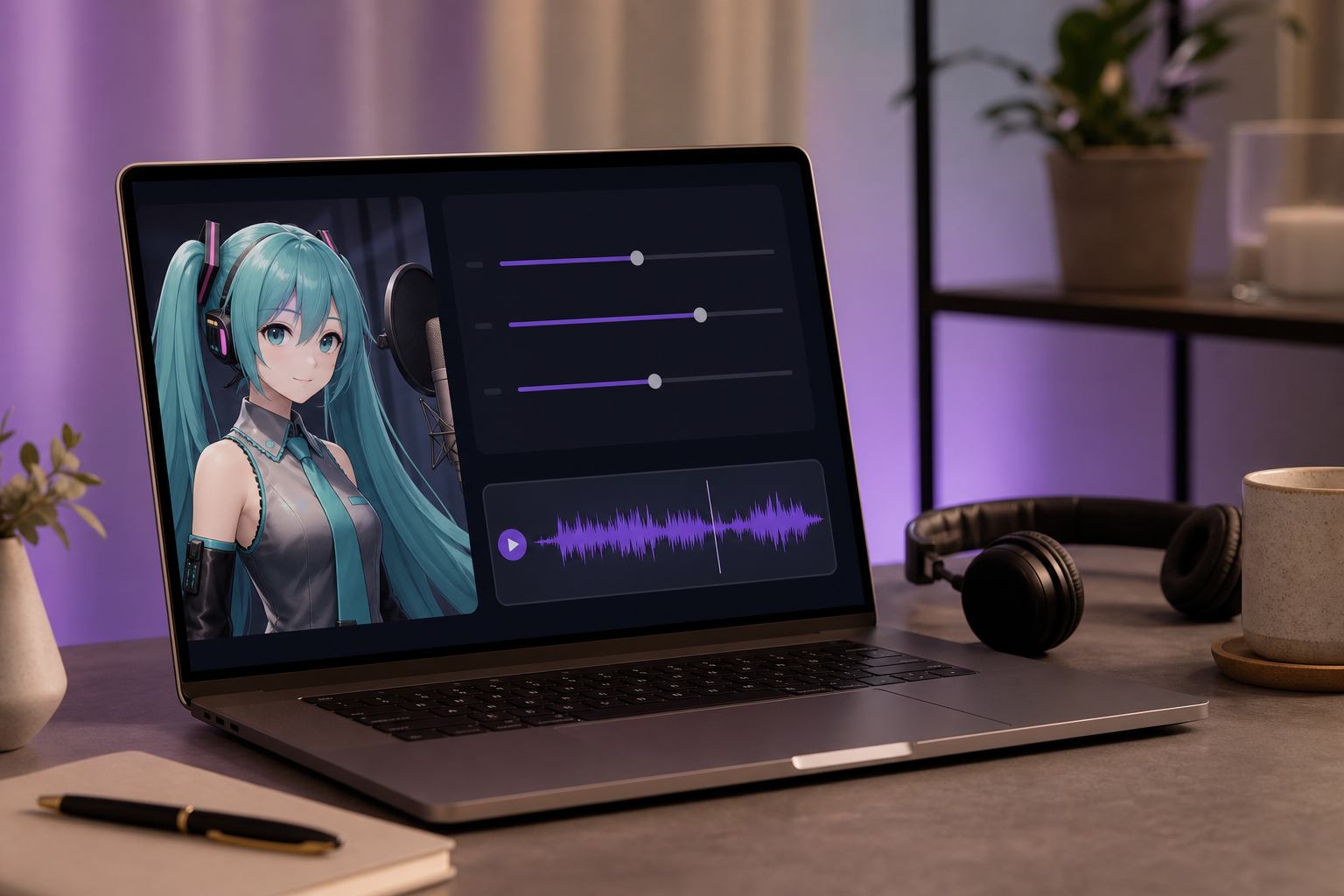
6. Generate and preview before spending full credits. Always render a short clip first. Preview it, judge whether the register reads as Miku, adjust, and only then commit to the full generation. This single habit saves more credits than any other.
One more capability worth knowing for later: the platform's AI Dubbing supports dubbing from 60+ source languages into 33 target languages, which becomes useful when you want to localize finished fan content for international audiences.
Dialing In the Signature Sound: Pitch, Tone, and Vocal Character
Here's where most attempts fall apart. People crank the pitch up, hear something high, and assume they're done — but a high-pitched TTS clip is not a Hatsune Miku AI voice. The character lives in a specific combination of register, articulation, and weight. Get those right and the voice reads as Miku even before anyone hears a single recognizable word.
Target the right timbre. Yamaha's VOCALOID:AI research frames modern synthetic vocals as aiming for natural articulation and bright timbre rather than heavy robotic settings. Benchmark toward a clean, high-register, precisely articulated voice — never a buzzy monotone. The contemporary synthetic sound is bright and clear, not mechanical. If your output sounds like a robot reading a phone menu, you've over-flattened it.
Push pitch toward the ceiling, but stop before artifacting. The "Miku" quality lives in the pitch ceiling combined with crisp consonants, not in loudness. Raise the register until you hit the edge of audible artifacting — that thin, glitchy, digitally-stretched quality — then pull back slightly. The sweet spot is high and bright but still clean. A voice that's pitched too low simply sounds like ordinary TTS, which is the single most common failure.
Speed and articulation carry more than you'd expect. Slightly faster, cleaner enunciation reads as synthetic-cute, which is core to the character. Over-naturalized breathiness drags the voice back toward "generic narrator." Tighten the articulation. Make the consonants land crisply. That precision is part of what your ear recognizes as a vocal synth rather than a human.
Control the breathiness aggressively. Reduce breath and warmth. Miku reads as almost weightless — she lacks the chesty resonance of a natural adult voice. If you hear breath, air, and lung in the output, you're moving away from the character. The synthetic edge depends on that weightlessness. Too breathy and you lose it entirely.
Miku doesn't live in the words — she lives in the pitch ceiling and the crisp, almost weightless articulation.
Japanese versus English output behaves differently. Japanese phonemes tend to land in a way that reads as more "classic Miku," partly because that's the sound most listeners associate with the character. English output needs tighter articulation to avoid sliding into generic TTS territory. If you're working in English and it sounds flat, the fix is usually crisper consonants and a higher register, not more volume.
Prepare a clean clone reference before you do anything else. If you're cloning rather than picking a stock voice, the reference quality determines everything. Verify the clarity is high enough for clean transcription — if the AI struggles to transcribe it, your clone will be muddy too. Use a Speech Separator to isolate a clean vocal from any background music before cloning. Garbage in produces a muddy clone, every time. For creators preparing many references at once, programmatic access through the Voice Cloning API makes batch preparation far less tedious.
The mistakes cluster into three patterns. Pitch too low sounds like ordinary TTS. Too breathy loses the synthetic edge. Robotic monotone over-flattens the voice, which directly contradicts the VOCALOID:AI bright-articulation benchmark. Avoid all three and you're most of the way there.
Finally, accept that raw synthesis is a first pass. Vocaloid creation guides stress that tuning of phonemes, timing, and dynamics is mandatory for convincing output — and the same discipline applies to AI generators. The VSynth covers tutorial and the Vocaloid beginner's guide both treat the first render as the start of the work, not the end of it. Generate, listen critically, adjust, regenerate. The voice that reads as Miku is almost never the first one you make.
From Speaking to Singing: Turning Generated Voice into a Vocal Track
Here's the honest gap: most AI generators speak, but Miku is famous for singing. Bridging that gap takes a few deliberate steps and a DAW. This is how you turn spoken phrases from a miku voice generator into a sung vocal track for a Miku AI cover.
1. Generate clean vocal phrases. Produce short, well-articulated lines rather than one long block of text. Short phrases are far easier to pitch-map and align to a melody. A four-bar phrase you can nudge into place beats a thirty-second monologue you have to surgically cut apart.
2. Determine the song's BPM. Use a BPM counter tool in your browser, tapping along until the average tempo stabilizes, then set the nearest whole-number BPM in your DAW. The VSynth covers tutorial notes that "99.9% of the time you only need the whole number of the BPM," because songs are rarely timed in decimals. Don't overthink it — a clean integer tempo is almost always correct.
3. Import the phrases into a DAW on a grid-quantized project. Set up your project so the vocal clips snap to time against the backing track. Grid quantization is what keeps the synthesized vocal locked in with the instrumental — without it, everything drifts. This grid-and-tempo discipline is the standard prerequisite before any tuning work begins.
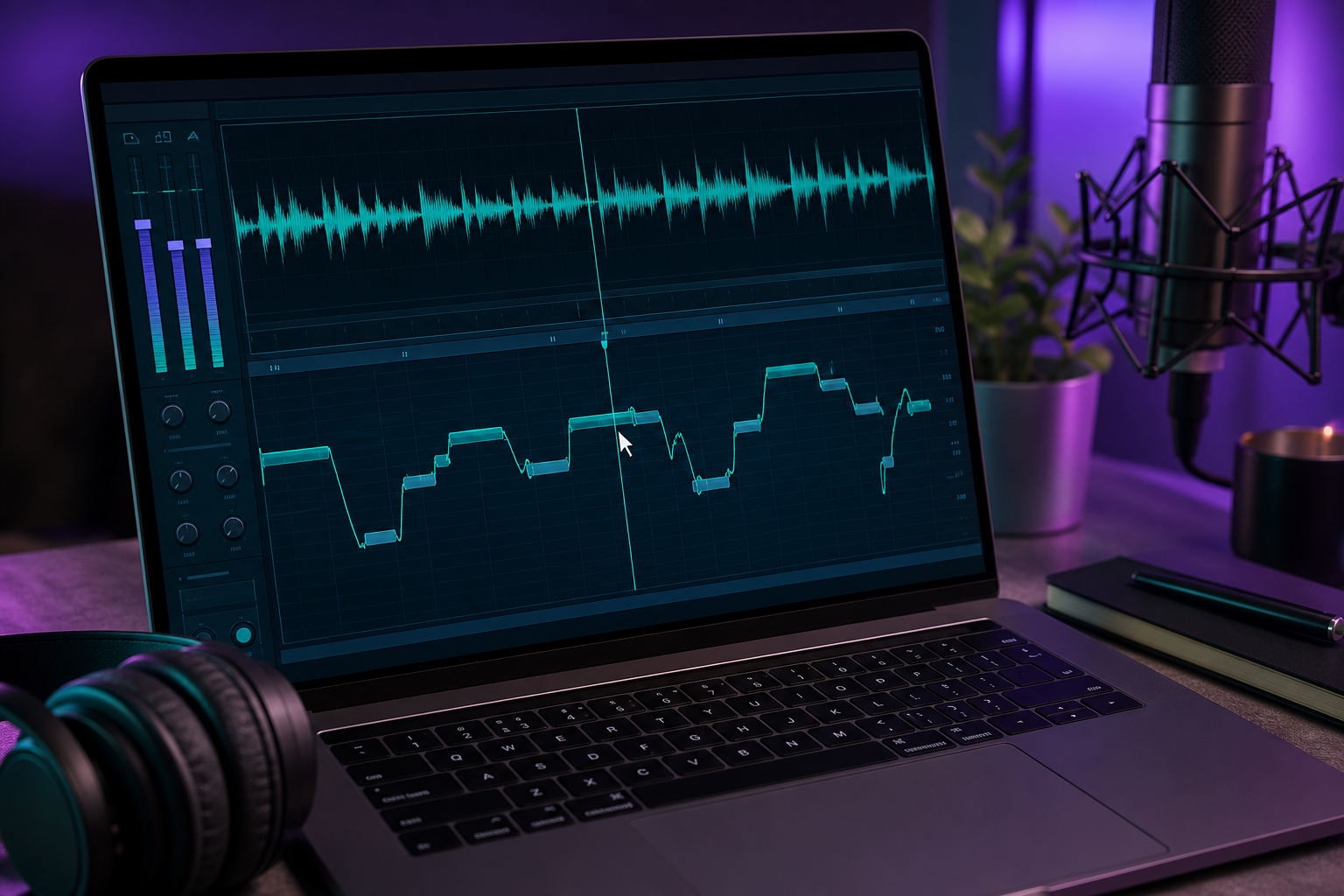
4. Pitch-align the phrases to the melody. Use Melodyne or auto-tune to bend each phrase onto the correct notes. This step is required, not optional, because generic AI TTS does not natively support musical pitch control. The generator gave you the timbre and the words; the DAW gives you the melody. This is the single most labor-intensive part of the whole process, and it's where a sung cover is actually made.
5. Layer with the backing track and mix. Drop the pitched vocal over the instrumental, adjust timing and dynamics, and add light effects — reverb, a touch of compression, maybe a doubler for thickness. Listen for phrases that sit too far forward or back and balance them against the mix.
This is also exactly where AI TTS ends and dedicated singing-synth tools begin. If you want true note-by-note melodic control inside a single editor — without the export-import-retune loop — the licensed Vocaloid or Synthesizer V route is more direct, as covered earlier. The AI-plus-DAW path trades that integration for speed and a custom timbre. Neither is wrong; they serve different producers.
Exporting, Localizing, and Scaling Your Miku-Style Content
You've got a voice that reads as Miku and a track that's coming together. Here's how to ship it well and stretch your resources.
Export formats and quality. Preview at draft quality while you're iterating, then export your final audio at full quality once you're satisfied. The draft-then-final habit keeps your renders cheap during the messy middle and only spends premium quality on the version you're actually keeping. Always confirm the export format matches what your DAW or video editor expects before you commit.
Use rollover credits efficiently. Because the credit model rolls over unused credits, you can batch your generation work and reuse credits across sessions rather than burning them on repeated full-render tests. Generate several phrases in one focused session, preview them all, then refine — instead of rendering, listening, and re-rendering one line at a time across days.
Localize fan content into other languages. Use AI Dubbing to take a finished Miku-style line into other languages. With support for 60+ source languages and 33 target languages, a single fan track can reach international audiences without you re-recording or re-tuning from scratch. For a character with a global fanbase, that reach is significant.
Tap API access for developers. Teams building Miku-style voice features into their own apps can integrate directly through the Text to Speech API, the Voice Cloning API, and the AI Dubbing API. That turns a manual creative workflow into a programmatic one — useful for agencies, app builders, and anyone generating voice content at volume.
Pair the voice with visuals. For fan videos and music-video-style content, generate matching artwork with the AI image generator and animate stills using Image to Video. One caution carries over from the legal section: the CC BY-NC limits on official character art still apply, so original or properly attributed visuals keep you on safe ground.
Avoid monetization pitfalls on export. Before you monetize anything, confirm your project stays inside the noncommercial and character-marketing limits established earlier. Commercial use — selling, monetized campaigns, branded products — requires separate permission from Crypton, per Crypton's official terms and the Piapro license. Checking this before you hit publish is far cheaper than untangling it after.
Your Miku Voice Generation Pre-Flight Checklist
Run this before you generate anything. Each item is a quick gut-check that saves rework later.
- Decided speaking vs. singing — TTS for dialogue; cloning plus a DAW for a sung cover.
- Confirmed your legal/usage approach — noncommercial fan use, or do you need Crypton permission for commercial release?
- Selected a bright voice profile OR prepared a clean ~20-second clone reference — isolate the vocal first if you're cloning.
- Tuned pitch and tone to the Miku register — high, crisp, low breathiness, never robotic.
- Previewed short clips before spending full credits — protect your credit balance.
- Set whole-number BPM and a grid-quantized DAW project — if you're singing, do this before pitch-mapping.
- Chose your export format and quality — draft while iterating, full quality for the final.
- Planned localization — if you want multilingual fan reach, line up your target languages.
The quick decision guide: Choose TTS if you need fast dialogue; choose cloning plus a DAW if you're producing a song.
Ready to build one? Start on DubSmart AI's free tier with Text to Speech, generate a short clip, and tune the register before you commit a single full-render credit. Preview first, refine, then ship — that's the whole discipline behind a Miku voice generator workflow that actually sounds right.
Frequently Asked Questions
Is it legal to use a Hatsune Miku voice generator for YouTube?
It depends on commercial versus noncommercial intent. Crypton's CC BY-NC 3.0 license covers noncommercial use of character art with attribution, but monetized or commercial use needs separate permission, and you can't market a song as "sung by" the character, per Crypton and the Vocaloid Wiki. Build a Miku-inspired original voice for safer fan content.
Can I make Miku sing, or only speak?
AI TTS generates spoken output and has no native musical pitch control. To sing, route your phrases through a DAW and pitch-align them with Melodyne or auto-tune, as shown in the VSynth covers tutorial. For built-in note entry inside one editor, licensed Vocaloid or Synthesizer V is the more direct route.
How much audio do I need to clone a Miku-style voice?
You can clone from roughly 20 seconds of clean reference audio. Isolate the vocal from any backing music first for the cleanest result — and remember that cloning a real, identifiable person's voice raises right-of-publicity issues, per Respeecher. Use voice cloning with a well-prepared reference.
What languages can a Miku AI voice be generated in?
The platform supports dubbing from 60+ source languages into 33 target languages, so a finished line can be localized for international fan audiences. That makes a single Miku AI cover reusable across multiple regional versions without re-recording.
Is there a free way to try a miku voice generator?
Yes — there's a free tier plus a credit-based model with rollover credits, so unused credits carry forward rather than expiring. Preview short clips before committing full credits, and you can test the entire workflow before deciding whether to scale up.