
How to Generate Free AI YouTube Shorts That Actually Get Views

You have a channel, a topic, and maybe a backlog of long-form videos collecting dust. What you don't have is six hours a week to manually clip, caption, voice, and export Shorts that may or may not break 500 views. The math behind the platform is loud: YouTube Shorts pulls more than 50 billion daily views according to The Verge, and over 2 billion logged-in users watch Shorts every month per YouTube's official blog. The audience is there. The friction is the production pipeline.
This guide gives you a working free ai youtube shorts generator workflow — not a tool review, but the actual sequence creators use to ship 10 Shorts in a single five-hour session, dub them into five languages, and post on a schedule the algorithm rewards. You already know what Shorts are. You want execution. Read in order.
Table of Contents
- Repurposing Long-Form vs. Generating From Scratch
- The 5-Step Free AI Workflow
- Four Editing Moves That Separate 5K-View Shorts From 500-View Ones
- Turn One Short Into Five Markets: The Multi-Language Multiplier
- Five Failure Patterns That Get AI Shorts Buried
- The 5-Hour Batch: Producing 10 Shorts in One Session
- FAQ: Monetization, Disclosure, Cadence, and When to Pay
Repurposing Long-Form vs. Generating From Scratch: Pick Your Lane Before You Open Any Tool
Most creators waste their first week of AI Shorts production because they jump into a tool before deciding which of two fundamentally different workflows they're running. The free ai youtube shorts generator category splits cleanly into two camps, and the wrong choice doubles your work.
The repurposing path takes an existing long-form video and uses AI clipping to extract 15–35 second hooks. Tools like Short AI, OpusClip, and the open-source SamurAIGPT AI-YouTube-Shorts-Generator (Whisper transcription + GPT-4o-mini highlight selection, no per-clip fees) automate the clip-find-and-reframe step. This path compounds when you have library depth — 5+ hours of archived podcasts, tutorials, or livestreams.
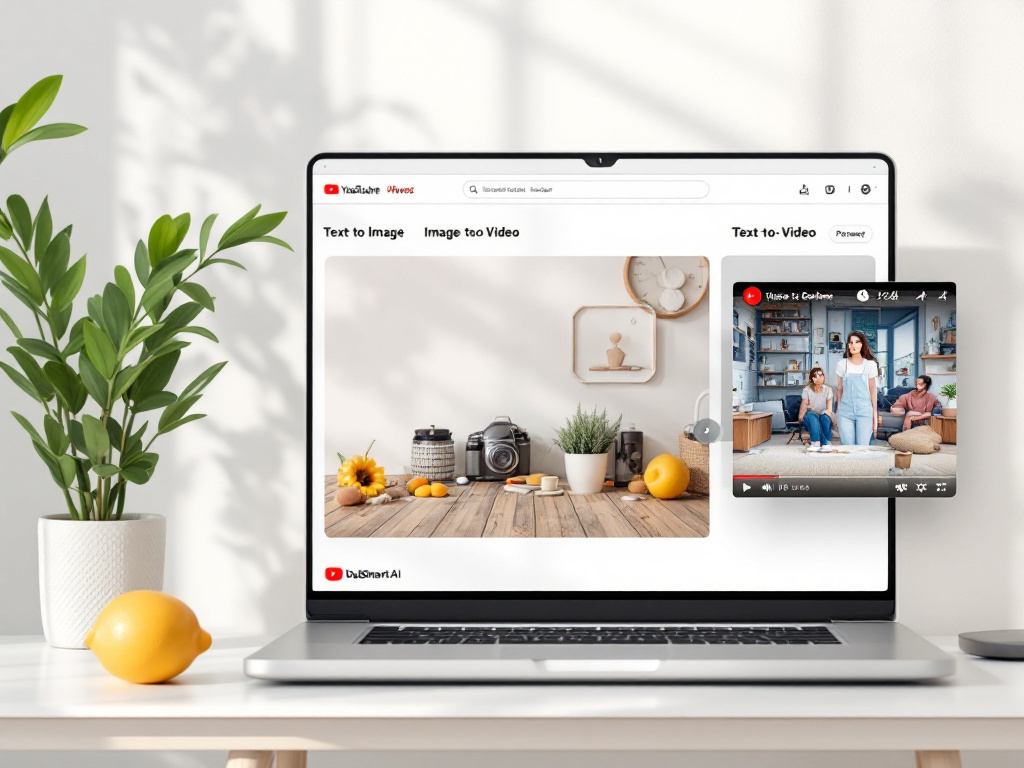
The generate-from-scratch path builds a Short with no source footage. You write a script, generate vertical visuals, animate them, layer in TTS or a cloned voice, and export. InVideo AI, Canva Magic Media, and DubSmart's combined Text-to-Image + Image-to-Video + Text to Speech stack all cover this lane. Best fit: new channels, faceless niches, or topics where no source material exists.
YouTube Creator Liaison René Ritchie has framed Shorts as "discovery content that feeds into your deeper videos" — which means if you already have long-form, the repurposing path inherits all of that compounding value. If you don't, generation gets you to consistency faster.
| Criterion | Repurposing Path | Generate-From-Scratch Path |
|---|---|---|
| Time per Short | 5–10 min once batched | 15–25 min per Short |
| Source requirement | 30+ min of long-form footage | None — just a script idea |
| Free tools available | SamurAIGPT, OpusClip free tier, Short AI trial | Canva, InVideo AI free tier, DubSmart free tier |
| Hook quality | Pre-tested (already spoken aloud) | Must be written deliberately |
| AI-sludge risk | Low — uses real footage | Medium — needs humanization |
| Best fit | Established channels with archive | New channels, faceless niches |
The hybrid that scales: 60% repurposed / 40% generated for established channels; flip to 30/70 for new channels. The repurposed Shorts carry your voice and personality. The generated ones cover topical gaps and let you test hooks you've never recorded. Run both lanes in parallel — never pick just one.
Repurposing wins when you have library depth. Generating from scratch wins when you need speed. The creators who scale Shorts do both — 60% repurpose, 40% generate.
The 5-Step Free AI Workflow: From Blank Doc to Upload-Ready Short
This is the generate-from-scratch pipeline, end to end. Follow steps in order. Specs are not suggestions — they're what YouTube auto-classifies as Shorts.

Step 1: Write the 30-Second Hook Script (5 min)
Use a four-part structure: Hook (1–2 sec) + Setup (5–10 sec) + Payoff (10–20 sec) + Loop or CTA (3–5 sec). YouTube Creator Academy guidance notes that top-performing Shorts cluster around 15–35 seconds even though the cap is 60 — shorter videos retain a higher percentage of viewers.
Fill-in-the-blanks template that works for almost every niche: "Most people think [X]. But actually [Y]. Here's why [Z]." Word count target: 55–60 words maximum for a 25-second Short at 130–150 wpm delivery.
Step 2: Generate Visuals With Text-to-Image (10 min)
Produce 5–8 vertical 1080×1920 stills aligned to each script beat using an AI image generator. Prompt formula: "[subject], vertical 9:16 composition, [style descriptor], cinematic lighting, shallow depth of field." Free-tier alternatives: Canva Magic Media, Leonardo.ai free tier.
One image per 3–5 seconds of script is the sweet spot. Fewer and the visuals feel static; more and the cuts start fighting the voiceover.
Step 3: Convert Stills to Motion With Image-to-Video (10 min)
Animate each still using Image to Video. Set duration to match the script beat length — usually 3–5 seconds per shot. Justin Brown's Dream Screen walkthrough makes a point worth internalizing: animated AI backgrounds save hours, but they won't carry a weak script. The motion is filler, not foundation.
Step 4: Generate or Clone the Voiceover (5 min)
Two options. Option A: standard Text to Speech using one of 300+ available voices — fastest path if you don't appear on camera. Option B: clone your own voice from a 20-second sample using Voice cloning — preserves channel identity across every Short you generate, which matters when you start dubbing into other languages (more on that in the multi-language section).
Write your script in short fragments (max 7 words per sentence). TTS engines breathe at punctuation; long sentences come out monotone.
Step 5: Assemble and Export to Spec (10 min)
Export as MP4 container, H.264 video codec, AAC audio, 1080×1920 px, ≤60 seconds total runtime, per the YouTube Help spec. Burn in captions before export — auto-captions show up too late and viewer behavior on mobile is heavily sound-off per Think with Google.
YouTube auto-classifies videos ≤60 seconds in 9:16 to 1:1 ratios as Shorts. Get a single dimension wrong and the upload lands as a regular video with letterboxing — instant performance death.
Four Editing Moves That Separate 5K-View Shorts From 500-View Ones
The workflow above produces a finished video file. These four edits produce a Short that retains viewers — which is what the algorithm actually scores. Each move ties to a retention signal that YouTube's recommendation system measures explicitly.
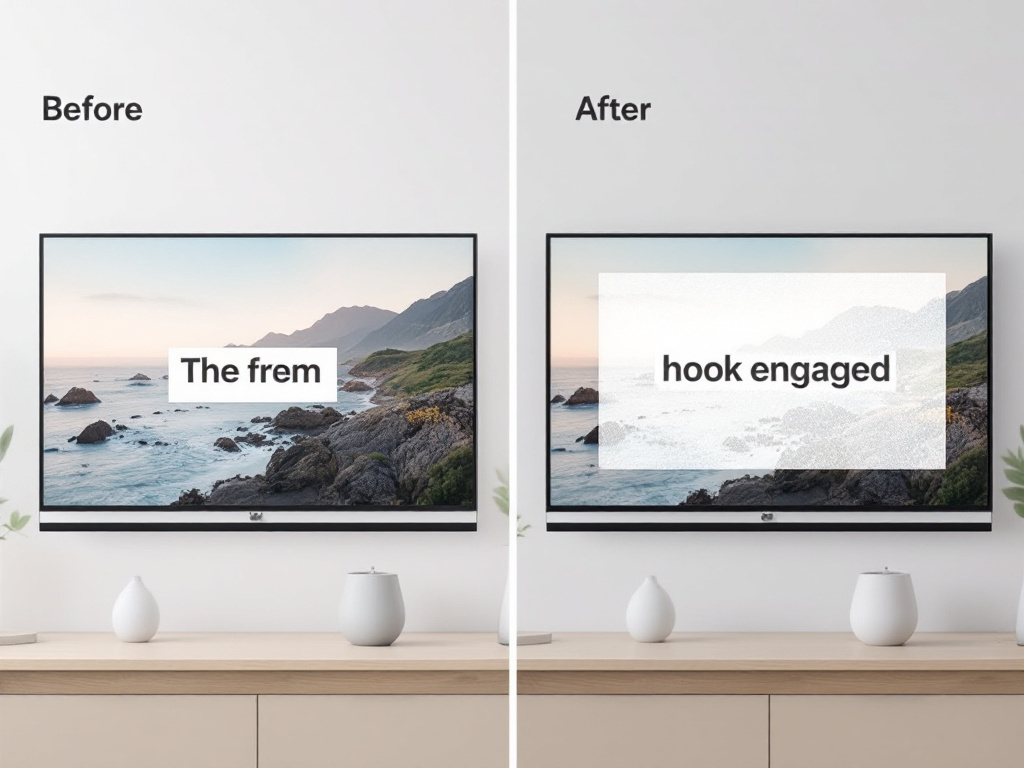
Move 1: Cut on Sound Peaks and Motion (every 1.5–3 seconds). Todd Sherman, VP Product Management for YouTube Shorts, explained on Creator Insider that quick pacing with cuts on movement and sound changes tends to perform better. AI-generated visuals tend to drift — the model holds a frame longer than it should. Force pacing manually: scrub the audio waveform in your editor and cut on each voice emphasis, music downbeat, or visual change. If you go more than three seconds without a cut, something on screen must move.
Move 2: Front-Load the Hook in the First Second. Think with Google research found that 70% of video ads driving significant brand lift concentrated creative energy in the first 5 seconds. For Shorts the window is tighter — Sherman states viewers decide within "the first couple of seconds." Lead with motion, a question on screen, an unusual close-up, or a visual pattern interrupt. Never open on a logo, an intro card, or a wide establishing shot. The first frame is the entire pitch.
Move 3: Burned-In Caption Strategy (Not Auto-Captions). YouTube has reported significant sound-off mobile viewing. Auto-captions are passable but they appear at the bottom edge and render small. Burned-in animated captions — one phrase at a time, large, centered, with a contrast color or background — outperform on retention because they double as visual content. Tools that handle this on free tiers: CapCut, Submagic free trial, or any editor that exports karaoke-style word timing.
Move 4: B-Roll Layering Over AI Stills. Pure AI-generated visuals can read as sterile. MIT Technology Review has flagged the broader trend of synthetic "sludge content" eroding viewer trust on algorithmic feeds. The single biggest fix: layer free stock B-roll (Pexels, Pixabay, Coverr) at 30–60% opacity over AI stills. The texture, grain, and real-world motion mask the uncanny smoothness of pure generation. Add a subtle Ken Burns push-in on any frame that holds longer than 2 seconds. The viewer never registers it consciously — they just feel the difference.
AI Shorts don't fail because they're AI. They fail because they're paced like robots. Add human timing — cuts on sound peaks, hooks in the first frame — and the AI asset becomes invisible.
Turn One Short Into Five Markets: The Multi-Language Dubbing Multiplier
Here's the leverage point most creators ignore. Over 80% of YouTube's views come from outside the U.S., with the platform available in 100+ countries and 80 languages. For English-language channels specifically, over two-thirds of watch time comes from outside the creator's home country per YouTube's Culture & Trends report. And when YouTube launched multi-language audio tracks, they highlighted creators who saw increased watch time from non-native language regions immediately after adding dubs.
Translation: every Short you produce in English is leaving at least 60% of its potential audience on the table.
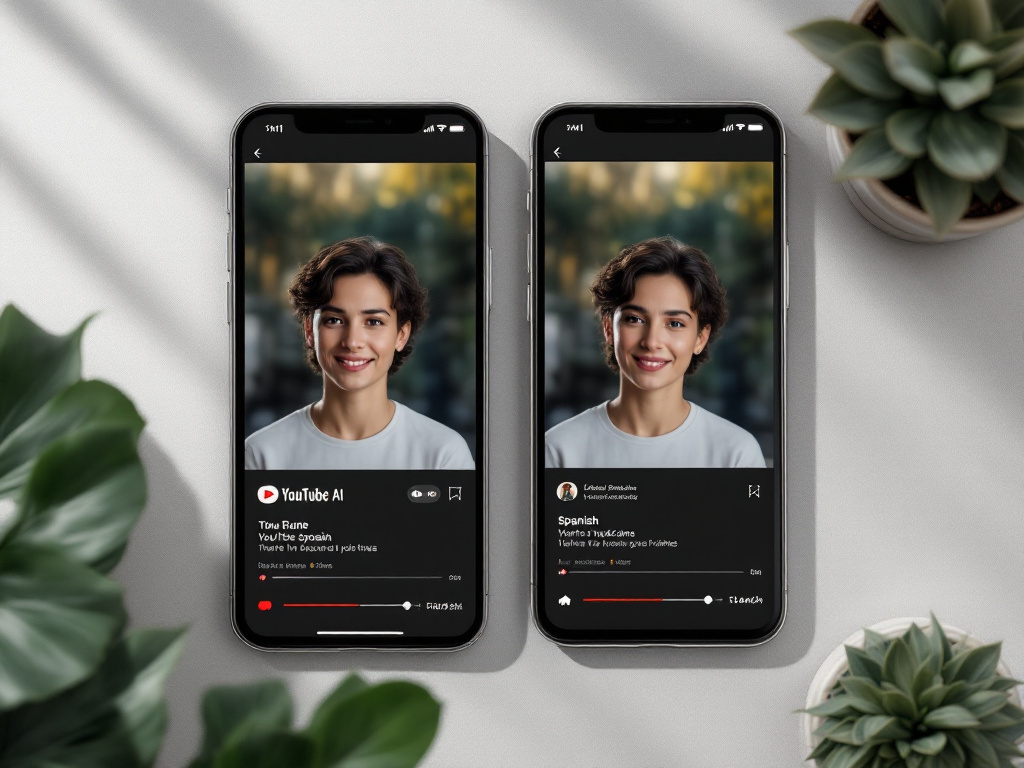
The dub workflow is shorter than the production workflow that preceded it:
- Lock the English Short. Picture and audio finalized — no further edits after this point.
- Clone your voice once. Twenty seconds of clean audio fed into Voice cloning produces a reusable voice model. Do this once, reuse across every future dub.
- Pass the Short through dubbing. AI Dubbing takes 60+ source languages into 33 target languages while preserving the cloned voice — meaning the Spanish version sounds like you speaking Spanish, not a generic Spanish narrator.
- Upload one of two ways. Either attach multi-language audio tracks to a single video URL (one upload, multiple audio streams that viewers toggle), or post to regional channels for distinct localization. The single-URL approach concentrates engagement signals on one video; the regional channel approach lets you tailor titles, thumbnails, and descriptions per market.
The gotchas worth flagging: lip-sync timing matters for talking-head Shorts (use B-roll-heavy edits to mask any drift), on-screen text needs separate localization (re-export captions per language), and CTAs that reference culturally specific products or pricing must be re-recorded.
For agencies and developers running this at multi-channel scale, the AI Dubbing API and Voice Cloning API handle batch pipelines programmatically — you queue a folder of Shorts, target a list of languages, and pull finished assets via webhook.
| Target Language | Typical CPM Range | Dub Turnaround | Best-Fit Niches |
|---|---|---|---|
| Spanish (LatAm) | $0.50–$2.50 | ~5 min | Lifestyle, finance, tech |
| Portuguese (BR) | $0.50–$2.00 | ~5 min | Gaming, fitness, entertainment |
| Hindi | $0.50–$1.50 | ~5 min | Tech tutorials, education |
| German | $4.00–$8.00 | ~5 min | Finance, B2B, automotive |
| French | $3.00–$7.00 | ~5 min | Beauty, food, education |
CPM ranges sourced from packaging-tool Influencer Marketing Hub (vendor benchmark data). Note the asymmetry: dubbing one English Short into German effectively doubles your potential ad value per view in that market, while LatAm Spanish trades CPM for volume.
How this lane differs from the alternatives: Rask.ai and Dubverse focus on dubbing but lack integrated image-to-video and TTS in one credit pool, so you're stitching together three subscriptions. HeyGen focuses on avatar-based dubbing — strong for talking heads, limited for faceless niches. ElevenLabs handles voice exceptionally but is voice-only; you still need separate tools for the rest of the production chain. Consolidating the full Shorts production + localization stack in one workflow is the difference between a 90-minute end-to-end run and an afternoon of file handoffs.
One Short dubbed into five languages is a 5x multiplier on the same production effort. With a 20-second voice clone, each language sounds like you — not like a translation.
Five Failure Patterns That Get AI Shorts Buried (And the Quick Fixes)
If a Short you produced is sitting below 500 views after 72 hours, one of these five patterns is almost always the cause. Each has an observable symptom and a fix that takes under 15 minutes to apply.

Pattern 1: Robotic Voice Delivery. Symptom: monotone TTS reading the whole script in one breath, no pacing variation, no emphasis on key words. Communication research from Nass and Brave's Wired for Speech documented how synthetic voices can reduce perceived authenticity even when intelligibility is high. Fix: use voice cloning with a real 20-second sample, write scripts in fragments (max 7 words per sentence), and lay background music at roughly -18 dB under the voiceover to mask the small artifacts the ear catches in silence.
Pattern 2: Static AI Background That Never Moves. Symptom: the same generated image holds for 10+ seconds while the voiceover continues. Fix: image-to-video animation on every still, B-roll layer at 40% opacity for texture, plus a subtle camera push-in (Ken Burns effect) on any frame that holds longer than two seconds. Three small motions stacked beat one large motion every time.
Pattern 3: Script Written for Long-Form, Pacing Forced Into Short. Symptom: voiceover races to fit the time limit, or visuals stretch awkwardly to fill the audio. Fix: write scripts target-first. Count words to match a 130–150 wpm delivery: a 25-second Short = 55–60 words maximum. Hit that ceiling before you write anything else. If your idea won't compress, it's a long-form video, not a Short.
Pattern 4: No Visual Hook in Frame One. Symptom: opens on a logo, a wide establishing shot, generic motion, or a slow zoom into nothing. Sherman's first-frame guidance is unambiguous — the first frame must be immediately compelling. Fix: lead with a face, a question rendered on screen as text, an unusual object in close-up, or a pattern break (something visually unexpected for your niche). Test by pausing the video at the first frame and asking: would a stranger scroll past this? If yes, recut.
Pattern 5: Wrong Dimensions or Specs. Symptom: the Short uploads as a regular video with letterboxing, or the audio drops out on mobile, or the video never enters the Shorts shelf at all. Fix: export 1080×1920, MP4 container, H.264 video, AAC audio, ≤60 seconds. YouTube auto-classifies videos meeting these specs as Shorts. Miss one and the classification fails silently.
One last note worth knowing: YouTube's AI-generated content policy allows synthetic media but may require disclosure labels for realistic AI content. The label does not block monetization. Disclose when relevant and keep moving.
The 5-Hour Batch: Producing 10 Shorts in One Session
This is the payoff workflow — the repeatable production system that turns one afternoon into a month of content. Derral Eves' batch filming methodology holds that most creators fail not on ideas but on production friction, and that standardized templates for hooks, captions, and pacing are what separate creators who post consistently from creators who post when inspired. YouTube Creator Academy reinforces the point: consistency matters more than daily posting.

Time-boxed checklist. Hard caps on each step. Move on when time runs out, even if a step feels unfinished — the next batch fixes what this one missed.
- Script sprint — 30 min. Open one doc. Write 10 hooks + 10 payoffs using the template from the workflow section. Don't perfect; fill the slots. Bad scripts are better than no scripts at this stage.
- Bulk image generation — 45 min. Feed 50–80 prompts (5–8 per Short × 10) into the AI image generator. Generate in parallel — most platforms queue multiple jobs.
- Image-to-video rendering — 60 min. Animate stills in batches. Let renders run in the background while you move to step 4. This is the longest unattended block; use it.
- Voice generation — 30 min. Apply one cloned voice (or 2–3 TTS voices for variety) across all 10 scripts. Voice cloning means every Short sounds like the same creator even if you generate them weeks apart.
- Editing assembly — 90 min. Apply the four editing moves using a saved editor template (cuts-on-sound, hook frame, burned captions, B-roll). Roughly 9 minutes per Short once the template is dialed in.
- Export, captions, optional dub — 30 min. Export all 10 at 1080×1920. If you're going multilingual, queue dubbing for your top 3 target languages while you handle uploads.
- Upload and schedule — 15 min. Drop all 10 into YouTube Studio. Set titles and descriptions from a template doc. Schedule at 3 per week × 3+ weeks.
Total: about 5 hours. Roughly 30 minutes per finished Short. One session covers a full month at a 3-per-week cadence. Run this batch monthly and you're publishing consistently without ever feeling rushed in any given week.

For agencies and developers running this across multiple channels, the Text to Speech API handles programmatic batch generation — feed in a folder of scripts, get back rendered audio files keyed to each script ID. The same batch logic scales from one channel to a hundred.
FAQ: Monetization, AI Disclosure, Posting Cadence, and When to Stop Being Free
Q1: Will YouTube demonetize Shorts made with AI tools?
No. YouTube's AI-generated content policy explicitly allows synthetic media — realistic AI content may require a disclosure label but remains monetizable. The constraint that actually matters is the reused-content rule: AI Shorts must add original commentary, editing, or educational value, not just re-upload existing material with AI overlays. Disclose when required, add original framing, and monetization stays intact.
Q2: But isn't Shorts revenue so low it doesn't matter?
Acknowledged — The Information has reported that Shorts RPMs run materially below long-form. But Julia Alexander of Parrot Analytics reframes the value: Shorts are top-of-funnel discovery, and the revenue is downstream — long-form views from subscribers acquired via Shorts, brand deal leverage, and off-platform traffic. Treating Shorts as primary income is the wrong frame. Treating them as the cheapest audience acquisition channel YouTube offers is the right one.
Q3: How often do I need to post to compete?
YouTube Creator Academy is explicit on this: consistency beats frequency. Three Shorts per week on a predictable schedule outperforms seven erratic uploads. The five-hour batch covers a full month at this cadence with a buffer. Pick two posting slots that align with your audience's peak activity, add a third on a different day of the week, and hold the schedule for 90 days before evaluating.
Q4: When should I pay for tools instead of staying on free tiers?
Three triggers signal the shift. First, free-tier output plateaus below 2,000 average views for 4+ consecutive weeks — usually a sign of voice or visual fatigue, not tool quality. Second, you're dubbing into 3+ languages regularly, and free credits run out mid-batch. Third, you need API access for agency or multi-channel pipelines — at which point the Voice Cloning API, TTS API, and AI Dubbing API become the upgrade path. Stay free until one of those three lights turns on. Then upgrade with intent, not by default.